All solutions Talk to sales
Discuss your project
A lighthouse far away on a granite headland at blue hour, its lantern lit
Lighthouse 360Lighthouse monitoring and controlNaviGuard at the site · Emiko for the network · by Vikingegaarden
Developed and produced in Denmark

Your entire lighthouse in one view.Lighthouse 360 by Vikingegaarden

Monitor the lantern and its supporting systems, receive alarms and review your lighthouse network in Emiko. Lighthouse 360 uses NaviGuard to connect equipment at each site. Choose monitoring alone or supported remote operation, agreed for each site.

Complete site overview

Monitor the systems
that keep the
lighthouse operating.

The site configuration can include mains power, battery voltage, charging, solar production, UPS status, backup supply and additional site sensors. Select the measurements and alarms for the equipment installed.

the lantern and every connected system, in one view

Available measurements and alarms are defined by the connected equipment and its integration.

status and, where supported, flash character
Lantern
mains, battery voltage and charging
Power
production and charging
Solar
UPS status, backup supply and site sensors
Backup
Key features

Status, alarms and remote functions.

Review site data for daily operation and maintenance planning. The functions below depend on the connected equipment and the integration agreed for each site.

01

Review site status and history.

Open a site from the network map to investigate alarms and review operating data before a visit.

  • Connected systems and available measurements
  • Faults and alarms for each site
  • Site history for maintenance planning
02

Receive alarms wherever you work.

Set alarm conditions and recipients for your organisation. Receive notifications by SMS and email, then review site status, faults and measurements in Emiko on a phone, tablet or computer.

  • SMS and email notifications
  • Phone, tablet or computer
  • Conditions and recipients set per organisation
03

Detect declining performance over time.

Emiko uses automatic trend analysis to identify changes in logged data. A downward battery-voltage trend or sustained decline in recorded solar power output generates an alarm. This early warning supports condition-based maintenance: investigate the cause and plan inspections or replacement parts before the next service visit.

Automatic trend analysisEarly warningCondition-based maintenance
12.0 V12.5 V13.0 VEarly warningWeek 1Week 12Logged battery voltage
A progressively lower battery-voltage trend triggers an alarm. Review the logged history and assess the battery and charging system before a service visit.
20 W40 W60 WEarly warningMonth 1Month 6Solar power output, weekly
A sustained decline in logged solar power output triggers an alarm. Investigate whether inspection, cleaning or replacement is needed, then prepare the relevant equipment and parts.

An early warning is an indication that needs attention, not a diagnosis or a prediction of remaining service life.

04

Get detailed information through digital integration.

Supported Bluetooth and wired integrations provide measurements, operating states, fault information and settings. Available data and commands depend on the equipment manufacturer, model, firmware, interface and implemented integration. Additional integrations can be developed using the required interface information.

Documented NaviGuard integrations

Bluetooth Low Energy 5.3Supported equipment interfaces
2 × RS-485Wired serial equipment
Analogue and digital inputsVoltages, states and sensors
4 relay outputsSwitching, for example facade lighting
MeasurementsOperating statesFault informationSettings
05

Choose the remote functions you need.

Choose monitoring alone or add remote operation for selected equipment. Where supported, view or change the lantern flash character, select continuous light for a test and return to automatic day and night operation.

Where supported, switch on connected facade lighting for a daytime check. Remote functions are agreed for each site and depend on the equipment and integration.

Remote operation is optional
Lighthouse 02 · Lantern
Lantern reportsAutomatic day and night operationFlash character Fl(2) W 10s
  1. Select continuous light for the test
  2. Check the light and the status the lantern reports
  3. Return to automatic day and night operation
Developed and produced in Denmark

Lighthouse 360 is developed and produced in Denmark, with Emiko operated in Denmark and the EU.

Discuss your lighthouse network
Applications and configuration

For individual lighthouses and distributed networks.

Configure Lighthouse 360 for one site or a distributed network, including remote locations that require travel for maintenance. Sites with different lantern manufacturers and power arrangements can share an operational view through supported integrations.

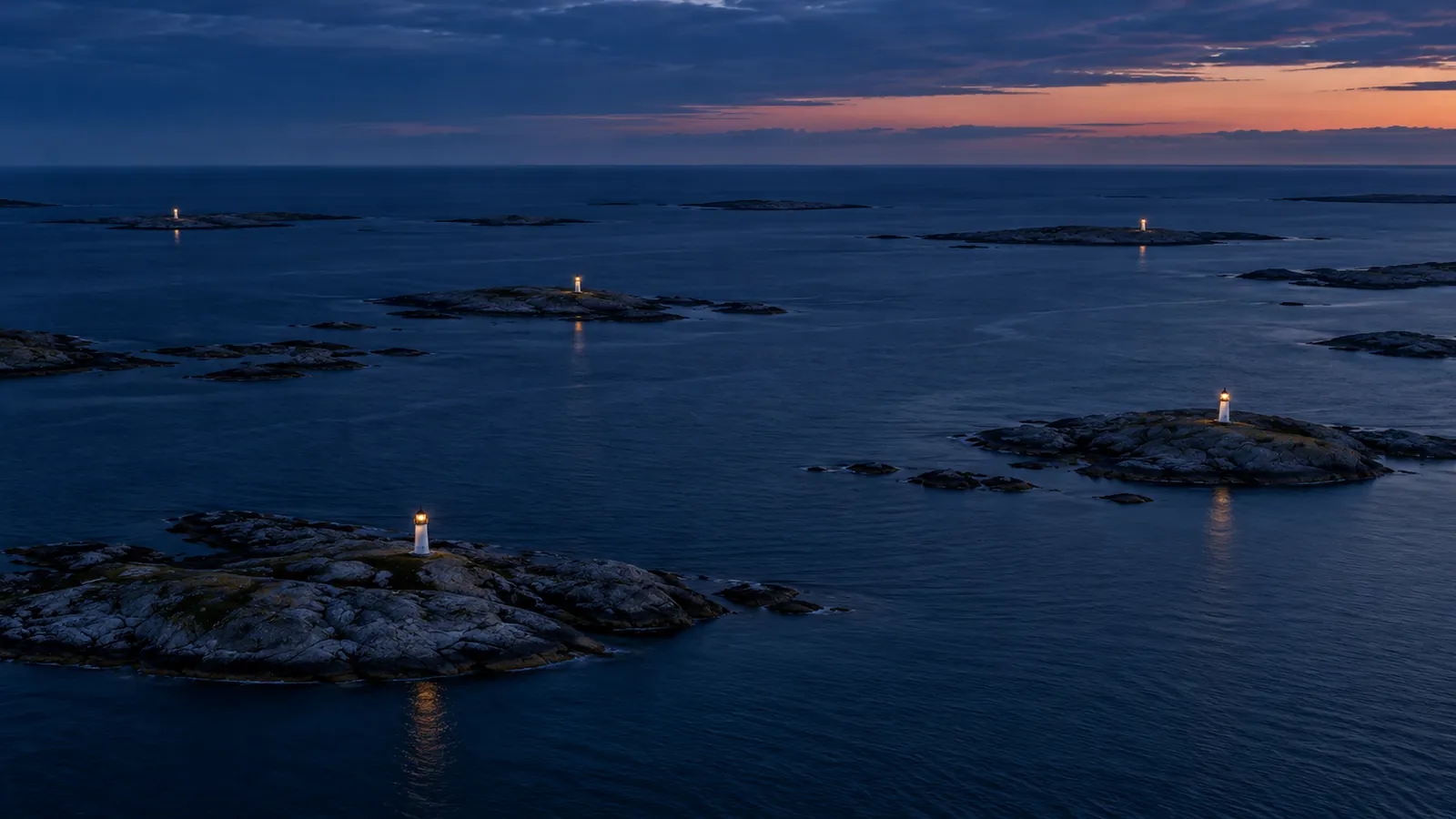
Aerial view at dusk of an archipelago with small lighthouses on separate skerries
NormalFaultNo recent dataRepresentative coastal sites
A distant lighthouse on a rocky skerry with a small solar panel beside it
Solar powered

Solar powered installations

Review available solar production, charging and battery measurements alongside lantern status. Include the controller and communication equipment in the installation power budget.

A power line on wooden poles leading across a headland to a distant lighthouse
Mains powered

Mains powered installations

Monitor the lantern alongside available mains, charger, battery, UPS and backup-supply data. Add environmental or cabinet sensors as required. Facade-light control is optional and depends on the equipment and integration.

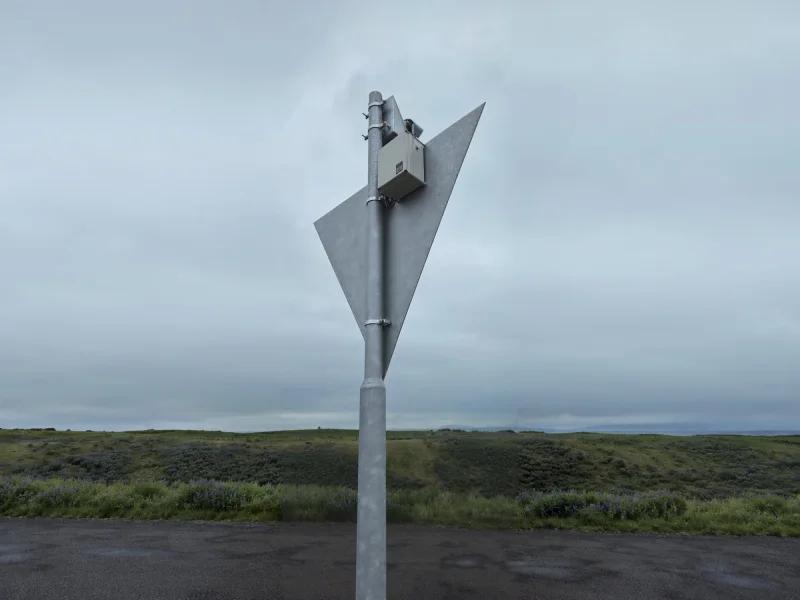
A PowerGuard power supply enclosure installed on a daymark post
Existing equipment

Existing equipment and mixed installations

We assess the installed equipment and its interfaces to identify available monitoring and control functions. Supported digital integration provides internal equipment data. Where no digital interface is available, current sensing can monitor suitable lantern loads.

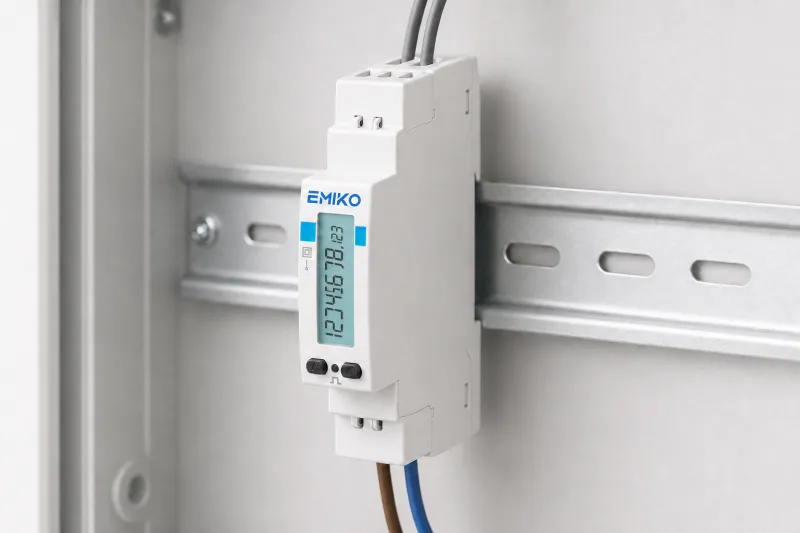
A compact single-phase energy meter on a DIN rail
NaviGuard Pro EM

Consumption reports and settlement

NaviGuard Pro EM adds an EM511 meter for a 230 V single-phase supply. MID certification covers the meter's active-energy register. Emiko logs consumption in kWh and provides daily and selected-period consumption reports from meter data. Use readings to track energy use or support consumption-based settlement with the private home or business supplying electricity.

Agree the scope for each site.

Choose monitoring alone or selected remote functions. Record what can be read or adjusted and any additional integration work in the agreed site scope.

Discuss your site configuration

How Lighthouse 360 works.

NaviGuard connects the agreed equipment and sends available data to Emiko for the network map, site view, alarms and history. If remote operation is enabled for the site, supported commands return through NaviGuard to the selected equipment.

  1. SurveyIdentify the lanterns, power equipment, interfaces and operating requirements at each site.
  2. ConnectSelect the NaviGuard configuration and connect the agreed equipment and sensors.
  3. ConfigureConfigure the site in Emiko, including users, alarm conditions and notification recipients.
  4. CommissionVerify measurements, alarms and any enabled remote commands during commissioning.
  5. OperateUse the shared overview for daily operation and the site history for maintenance planning.
NaviGuard models

Choose the model for your installation.

Select a model for the measurements, control functions and connection capacity required at each site. The range covers harbour entrance light activation and lighthouse monitoring. Different models can share one Emiko account.

Item 1006858Port Control

Activate harbour entrance lights from Emiko or by SMS command. Keep the light on until a switch-off command, or use a preset period with automatic switch-off.

Controller
LX9 eco
Analogue inputs
2
Digital inputs
5
Relay outputs
4
Integrated
–
Choose when remote light activation is the main requirement
Item 1006885Eco

Port Control functions plus monitoring for a smaller installation. Follow supply, battery, solar and selected equipment signals, with measurements, alarms and history in Emiko.

Controller
LX9 eco
Analogue inputs
2
Digital inputs
5
Relay outputs
4
Integrated
–
Choose when the measurements and controls fit its connection capacity
Item 1006886Pro

Eco functions with more analogue inputs for simultaneous measurements. Bring together supply, battery, solar, lantern and exterior-light information. Supported digital integrations provide equipment data and optional settings.

Controller
LX9 pro
Analogue inputs
4
Digital inputs
5
Relay outputs
4
Integrated
–
Choose when the site needs more monitoring points
Item 1006887Pro PM

Pro functions with integrated PowerMonitor for current measurement on one connected 12–24 V DC lantern or RACON load. PowerMonitor can operate alongside supported digital integration.

Controller
LX9 pro
Analogue inputs
3 free of 4
Digital inputs
5
Relay outputs
4
Integrated
PowerMonitor
Choose when the installation needs an indication of electrical load activity
With energy meterPro EM

Pro functions with integrated EM511 metering for the 230 V single-phase supply. Its active-energy register is MID-certified. Emiko logs consumption for daily and period reports.

Controller
LX9 pro
Analogue inputs
4
Digital inputs
5
Relay outputs
4
Integrated
EM511 meter
Choose for energy-use monitoring and meter data for settlement
One Emiko account for every modelTwo RS-485 channelsBluetooth Low Energy 5.3Monitoring alone or with remote functions

Connection capacity

Controller inputs and outputs per model
SpecificationPort ControlEcoProPro PMPro EM
Main functionHarbour entrance light activationPort Control functions plus monitoringEco functions with more analogue inputsPro functions with current measurementPro functions with energy metering
ControllerLX9 ecoLX9 ecoLX9 proLX9 pro with PowerMonitorLX9 pro
Analogue inputs2244 in total, 1 used by PowerMonitor, 3 available4
Digital inputs55555
Relay outputs44444
Integrated measurementNoneNoneNonePowerMonitor: current on one 12–24 V DC lantern or RACON loadEM511, 230 V single-phase; MID-certified active-energy register
In EmikoLight activation from Emiko or by SMSMeasurements, alarms and historyMeasurements, alarms and historyMeasurements, alarms and historyPlus kWh consumption reports by day and period
Item number1006858100688510068861006887–

The controller hardware provides two RS-485 channels and Bluetooth Low Energy 5.3. Available equipment measurements and commands depend on the connected model and its integration. Input capacity is allocated to the signals required at the site. For Pro EM, the MID certification applies to the EM511 meter's active-energy register; Emiko reports are consumption reports based on the meter data.

Model selection within Lighthouse 360

Match Eco or Pro to the required monitoring capacity. Select Pro PM for current measurement or Pro EM for 230 V energy metering. Use Port Control for harbour entrance light activation. Agree the power arrangement and integrations for each site.

Discuss your site configuration
Emiko ecosystem

Part of your wider Emiko account.

Access Lighthouse 360 and other connected Vikingegaarden solutions with one Emiko login. Other solutions can provide weather, water-level or energy information in the same account, according to the services and access configured for your organisation.

Lighthouse 360 provides the lighthouse view within Emiko. NaviGuard can also connect supported equipment at harbour entrances, extending the account to other sites.

Lighthouse 360 is developed and produced in Denmark, with Emiko operated in Denmark and the EU.

Technical guide

Planning your installation.

Use the checklist to describe each site and the equipment already installed. Include available interface information, power and connectivity details, required alarms and your choice of monitoring alone or selected remote functions. We use these details to define the installation and integration scope.

Discuss your site configuration
  1. Equipment

    Manufacturer and model of the lantern, power and backup equipment

  2. Interfaces

    Available interface information: Bluetooth, RS-485 or other wired connections

  3. Power arrangement

    Solar, mains, batteries, UPS and backup supply at the site

  4. Connectivity

    How the site can communicate with Emiko

  5. Alarms

    Which conditions should alert whom, by SMS or email

  6. Operating scope

    Monitoring alone, or monitoring with selected remote functions

Frequently asked questions

Common questions.

Can we use lanterns from different manufacturers?

Yes, where the equipment is supported. Available measurements and commands depend on the model, firmware, interface and implemented integration. Additional integrations can be assessed and developed for the project.

Do we have to enable remote control?

No. Choose monitoring alone or optional remote operation for selected equipment. Remote functions are agreed for each site.

Can we read and change a lantern flash character?

Yes, where the lantern and integration support both functions. Supported commands may also include continuous light and automatic day and night operation. The integration specification confirms the commands for each model.

Does a Bluetooth connection support every function?

No. Functions depend on the equipment's Bluetooth interface and the implemented integration. The connection may provide measurements, settings or both. Read and write access are confirmed separately.

How do we receive alarms?

Receive configured notifications by SMS and email. View status and alarms in Emiko on a phone, tablet or computer.

Can we combine solar and mains powered sites?

Yes. Sites with different power arrangements and equipment configurations can share one Emiko account.

Project enquiry

Discuss your lighthouse network.

Tell us about your sites, installed equipment and operating requirements. We will help define the monitoring, integration and optional remote functions for your network.

Discuss your project
Lighthouse 360

Discuss your lighthouse network

Tell us about your sites, installed equipment and operating requirements. We will help define the monitoring, integration and optional remote functions for your network.

  • Equipment and interface review
  • NaviGuard model and configuration
  • Monitoring alone or selected remote functions