Control per circuit
Existing light sources are switched through digital outputs, for example one output for basic lighting and a second one for work lighting, independently.
Green Harbor Technology · Lighting
Control harbor lighting around daylight and working hours.
Add daylight control, schedules and consumption logging to compatible existing lighting. OnSiteLight switches circuits through digital outputs, dims DALI fixtures and connects user access and fault alerts to the Emiko platform.
Key features
Add control, scheduling and monitoring to compatible existing lighting circuits and fixtures.
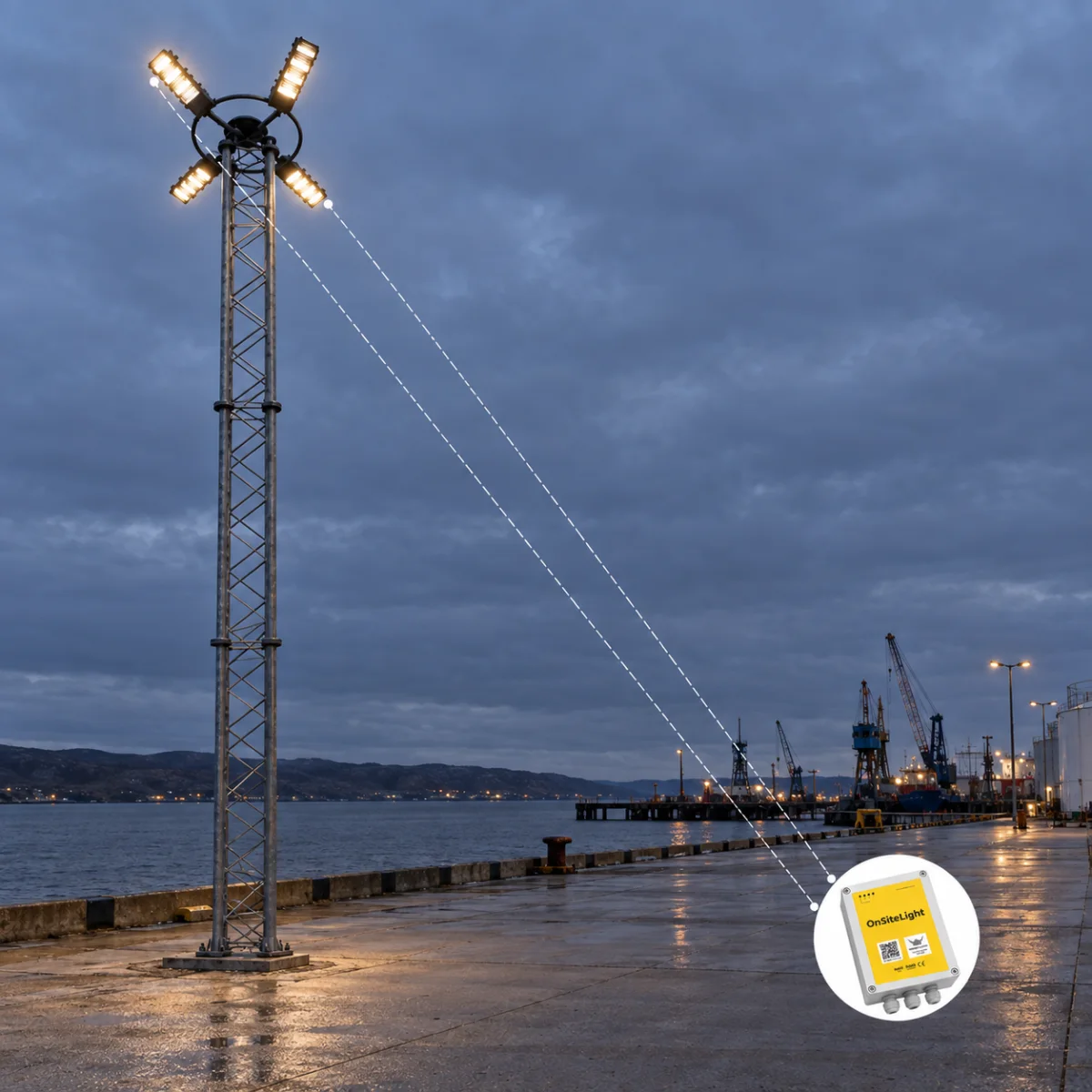
Existing light sources are switched through digital outputs, for example one output for basic lighting and a second one for work lighting, independently.
When it gets dark, basic lighting is set to a configured brightness and held until daylight returns. Full work lighting can be switched on manually at any time.
With DALI capable fixtures, light sources are dimmed steplessly under central control instead of simple on and off switching.
A calendar module sets the lighting hour by hour: when to raise lighting to work level, or how many hours of minimum lighting must stay on overnight.
Energy consumption is logged per light source and, where enabled, per user, with hourly reports for comparing consumption and supporting billing.
Consumption reports exported from the Emiko platform serve directly as billing documentation, and a WebService ERP module can push the data into your financial system.
OnSiteLight sends SMS or email alerts to technical staff when a fault occurs, so the issue can be assessed and service arranged.
Lighting is operated from the Emiko Customer App, by GSM phone call or with contactless keys, using the same customer credentials as your other Emiko equipment.
Applications
Indoor and outdoor installations where light is needed at set hours, on demand, or when someone should pay for it.
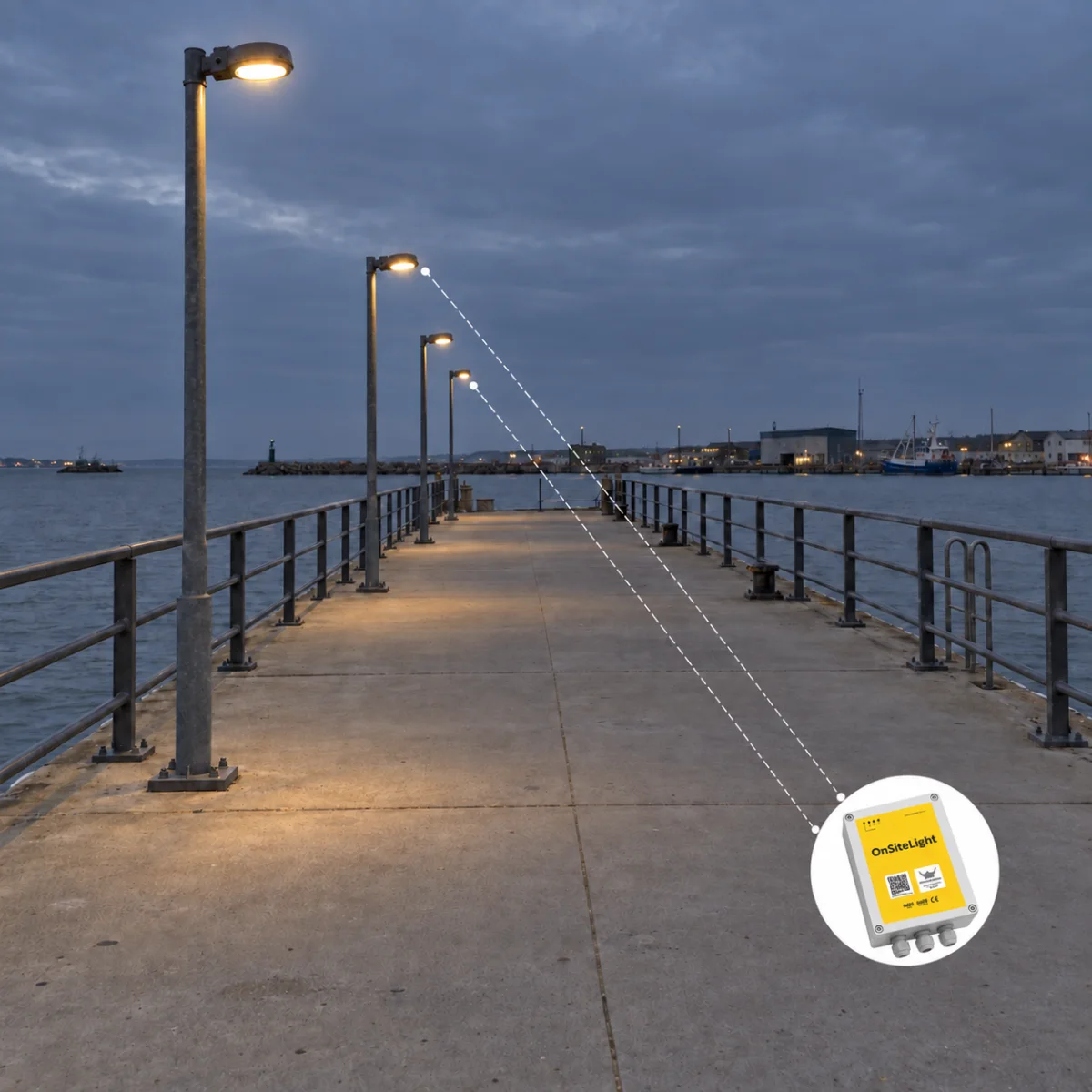
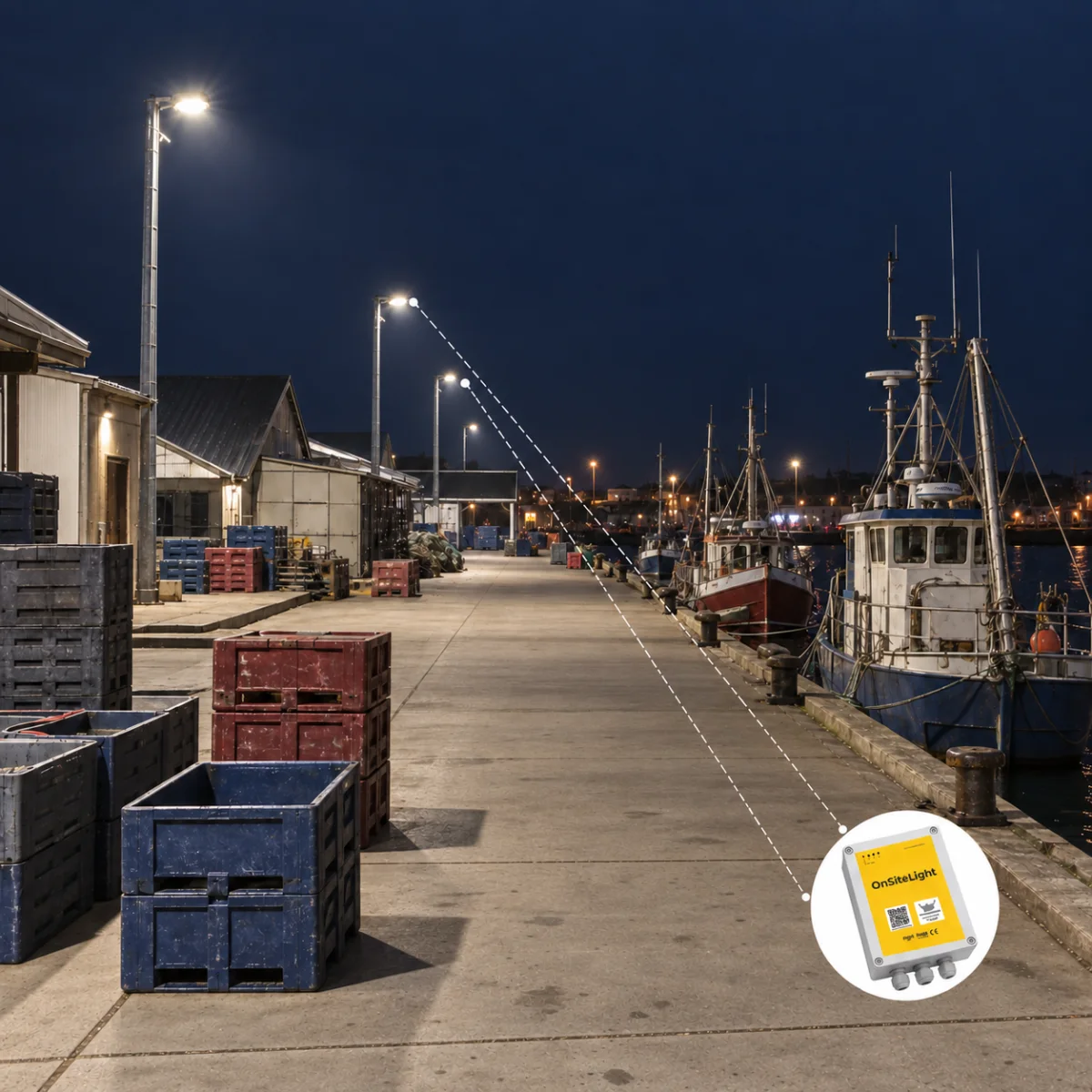
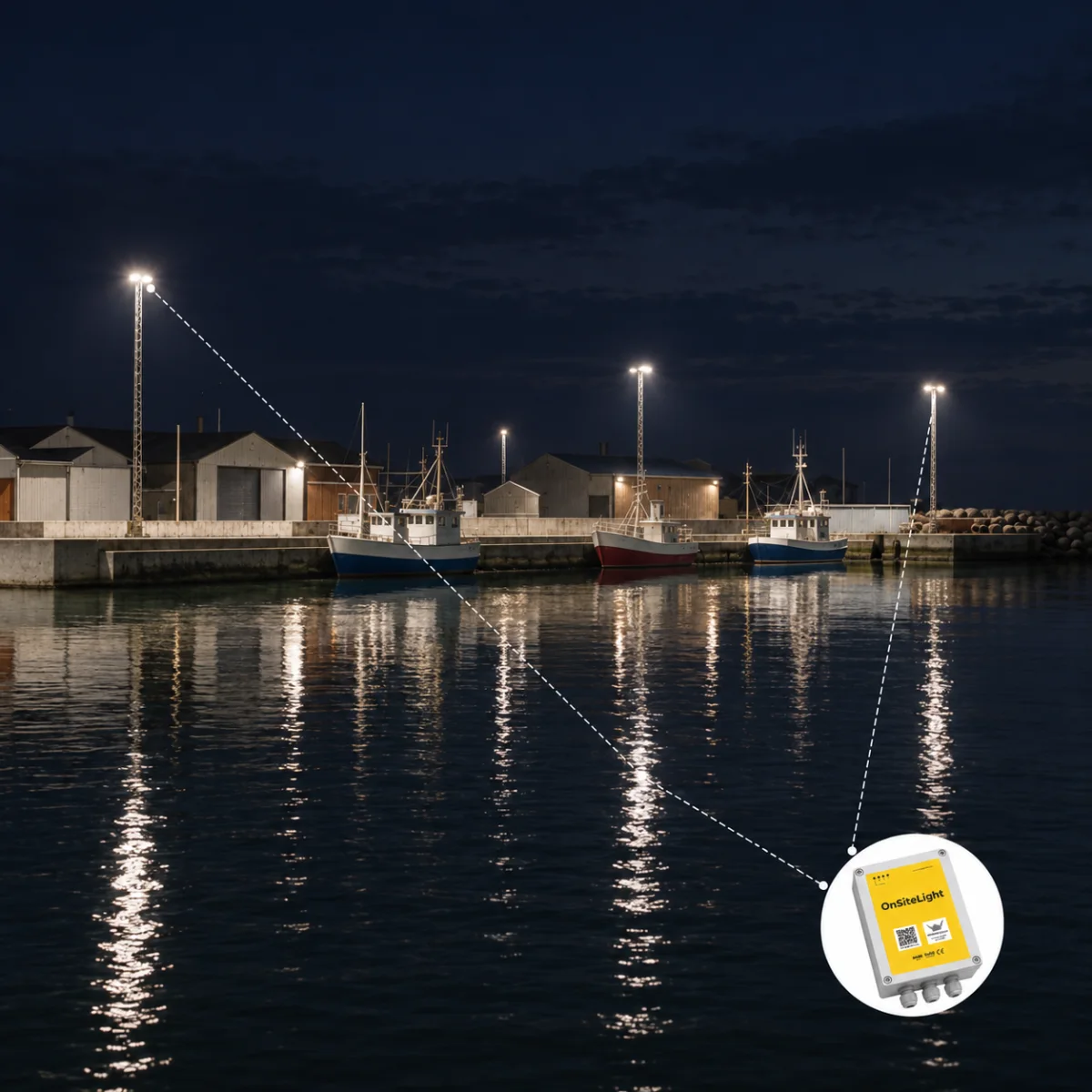
Basic lighting along the pier through the night, full work lighting when a vessel is unloading, consumption billed to the customer who switched it on.
Automatic on at dusk, off at dawn, with a configured minimum level and dimming on DALI fixtures where full brightness is not needed.
Site lighting on a schedule, with users switching work lighting on and off by phone or key, and hourly consumption reports for the project.
Central control of workplace lighting with fault alerts, calendar based operation and per user logging where several tenants share an installation.
How it works
A compact controller at the mast or in the panel takes over the fixtures, and Emiko takes over the administration.
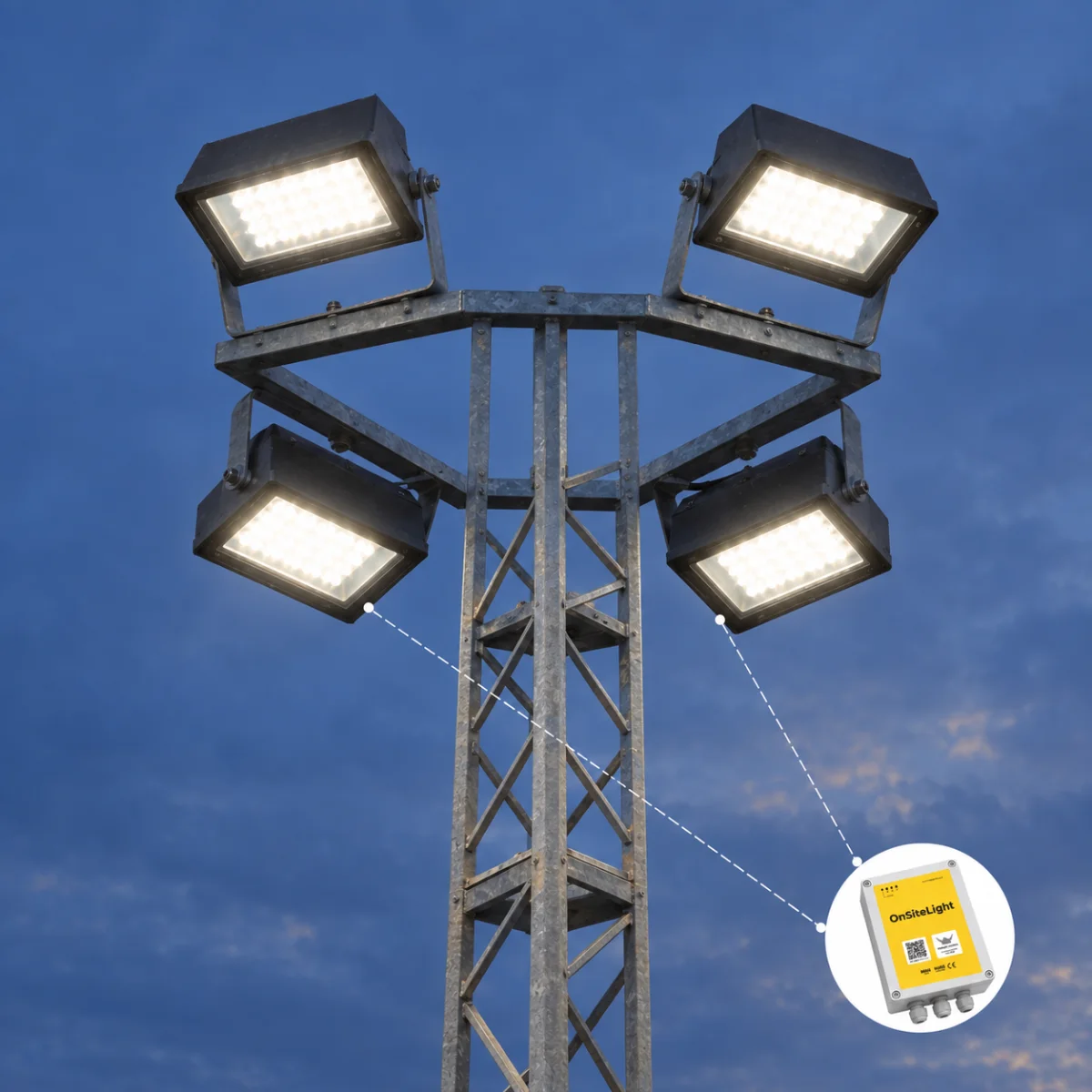
A VikMote control box is mounted at the base of the mast or next to the lighting panel and wired to the existing fixtures. Basic and work lighting are switched through separate digital outputs; on DALI capable fixtures the same controller dims the light steplessly. Daylight sensing and the hour by hour calendar decide the normal light level, and a user can override it from the Emiko Customer App, by GSM call or with a contactless key.
Every hour the consumption per light source, and per user where enabled, is logged in the Emiko platform. The records support consumption comparisons, billing documentation and exports to the financial system.
Fixtures are wired to the OnSiteLight controller through digital outputs or DALI
Daylight and the calendar set the basic level, work lighting is switched on demand
Users operate the lighting by app, GSM call or contactless key
Consumption is logged hourly per light source and per user in the Emiko platform
Reports support consumption comparisons and agreed billing workflows
Faults trigger SMS or email alerts to technical staff
Ecosystem
OnSiteLight uses the same Emiko customer database as the rest of Vikingegaarden's connected equipment.
Emiko is Vikingegaarden's management platform for ports and other facilities: customers, live status, alarms, reports and billing in one system. OnSiteLight shares the Emiko customer database with ServicePedestal, WaterStation and the other connected products, so a customer's phone number or RFID credential works across all of them and lighting consumption appears next to electricity and water on the same account.
Technical details
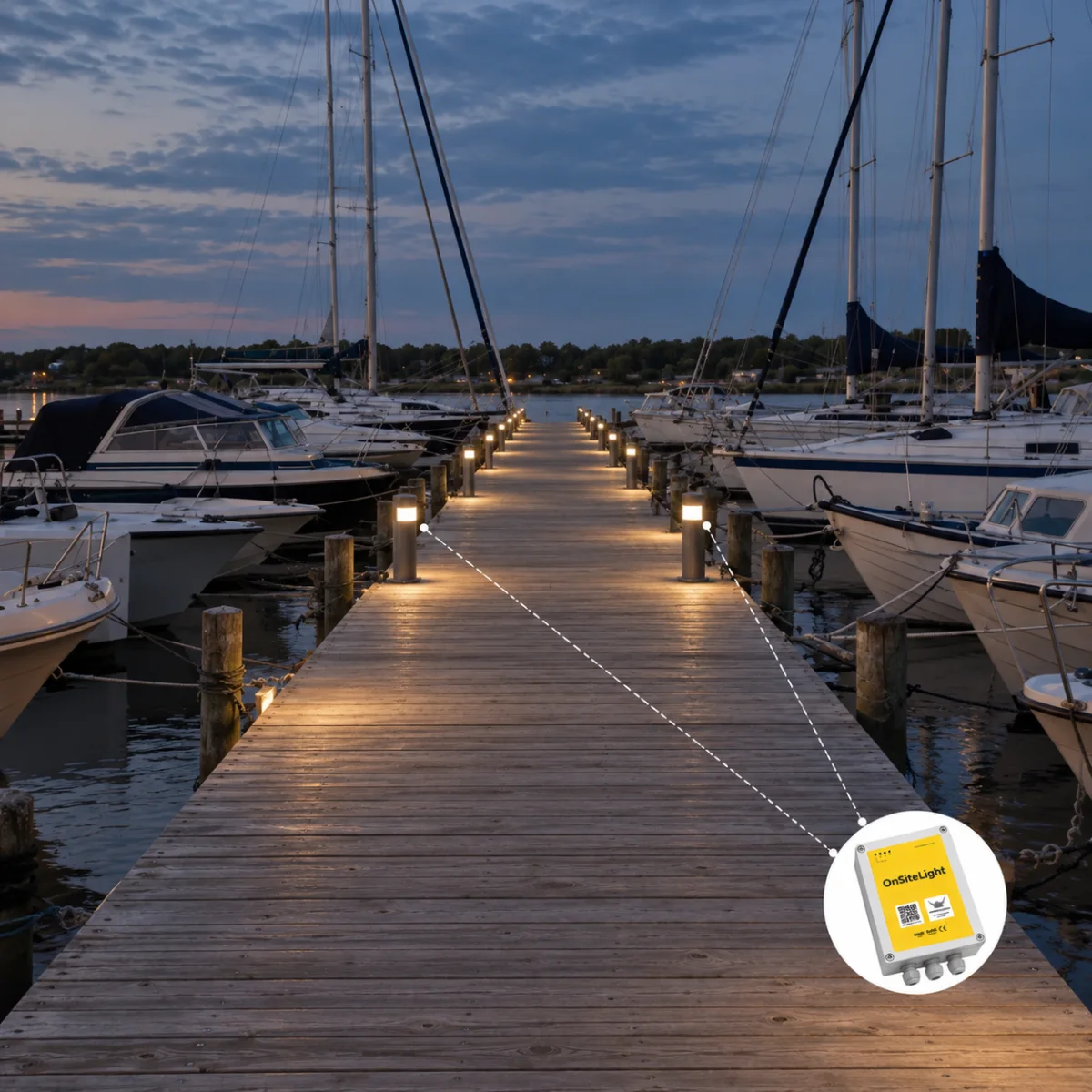
OnSiteLight speaks to the fixtures you already have, from plain on and off switching to stepless DALI dimming.
Ask about a specification| Spec | OnSiteLight |
|---|---|
| Control | Digital outputs per circuit; DALI for stepless, centrally regulated dimming |
| Access | Emiko Customer App, phone call or contactless key |
| Scheduling | Hour by hour calendar module |
| Reporting | Hourly energy consumption per light source and, where enabled, per user |
| Integration | WebService ERP module, activated with your financial system supplier |
| Fault alerts | Automatic SMS and email to technical staff |
Product guide
Plan control of existing lighting around its circuits, fixture compatibility, working hours and customer access.
OnSiteLight serves ports and piers with basic and work lighting, construction sites following a working calendar, and workplaces with shared lighting installations. User-controlled work lighting can be recorded against customer accounts where enabled.
The starting point is the existing installation. Compatible fixtures and circuits are connected to the controller, with scheduling, consumption logs and alarms managed in the Emiko platform.
Configuration starts with the circuits. Existing light sources are wired to digital outputs on the controller, typically one output for basic lighting and a second for work lighting, switched independently. Where the fixtures are DALI capable, the same controller dims them steplessly under central control instead of plain on and off switching, and records their consumption automatically.
The behaviour is then defined in two layers. Daylight automation sets basic lighting to a configured brightness when it gets dark and holds it until daylight returns. On top of that, an hour by hour calendar module decides when lighting rises to work level and how many hours of minimum lighting must stay on overnight. Full work lighting can always be switched on manually when it is needed.
Because OnSiteLight is the control layer and not the fixture, the masts and fixtures on site stay where they are. A compact VikMote control box is mounted at the base of the mast or next to the lighting panel and wired to the existing light sources through digital outputs or DALI. Commissioning is configuration work: setting the basic light level, building the calendar, and defining which users may operate which lighting.
Users are given the same credentials they use for Vikingegaarden's other Emiko equipment, so a customer's phone number or contactless key works across the whole harbor. From commissioning onwards, lighting is operated in three ways: from the Emiko Customer App, by GSM phone call, or with a contactless key at the installation.
Every hour, OnSiteLight logs energy consumption per light source and, where enabled, per user who switched the light on. These hourly reports serve two purposes. They let operators compare consumption under the configured daylight control, calendar and DALI dimming, and they work directly as billing documentation, so a harbor can invoice work lighting to the customer who used it. A WebService ERP module can push the same data straight into your financial system, activated together with your financial system supplier.
The system also watches itself. When a fault occurs, OnSiteLight sends an SMS or email alert to your technical staff, so staff can assess the fault and arrange a response.
Replacing an entire lighting installation is a large capital project. OnSiteLight takes the opposite route: it keeps the masts and fixtures, adds a controller, and changes how and when the light burns. The result is centralized smart lighting control, documented consumption per light source and per user, and lighting that follows daylight and the working day instead of a wall switch. For sites already running Emiko equipment such as ServicePedestal or WaterStation, lighting simply becomes one more service on the same customer account.
A closer look
Good to know
OnSiteLight is Vikingegaarden's smart lighting control system for indoor and outdoor installations such as pier lighting, street lighting, construction sites and workplaces. It retrofits control, scheduling and consumption logging onto existing fixtures and is managed in the Emiko platform.
No. OnSiteLight is the control layer. It switches existing light sources through digital outputs and, on DALI capable fixtures, dims them steplessly. Mast and fixture styling therefore vary from site to site; the controller and the Emiko integration are the same.
DALI (Digital Addressable Lighting Interface) is a protocol for digital control of lighting. OnSiteLight uses it to dim DALI capable fixtures steplessly under central control and to record their consumption automatically, instead of simple on and off switching.
Yes. Lighting is operated remotely from the Emiko Customer App or by GSM phone call, and on site with contactless keys. Administrators define which users may operate which lighting, and individual usage is tracked in the Emiko platform.
It sets basic lighting to a configured level when it gets dark and holds it until daylight, runs an hour by hour calendar for work lighting and overnight minimums, dims DALI fixtures where full brightness is not needed, and logs consumption hourly so changes in energy use can be compared.
Yes. Consumption is logged per light source and, if enabled, per user who switched the light on. Reports exported from the Emiko platform can be used directly as billing documentation on a billing period you define, and the WebService ERP module can push the data into your financial system.
Typical installations are pier and port lighting, street lighting, construction sites and workplace or office lighting. Any indoor or outdoor installation where light is needed at set hours, on demand, or where someone should pay for it, is a candidate.
OnSiteLight monitors itself and sends an automatic SMS or email alert to your technical staff when a fault occurs. Staff can use the alert to assess the problem and arrange service.
Consumption reports exported from the Emiko platform can be used directly as billing documentation, and the WebService ERP module pushes consumption data straight into your financial system. The module is activated together with your financial system supplier.
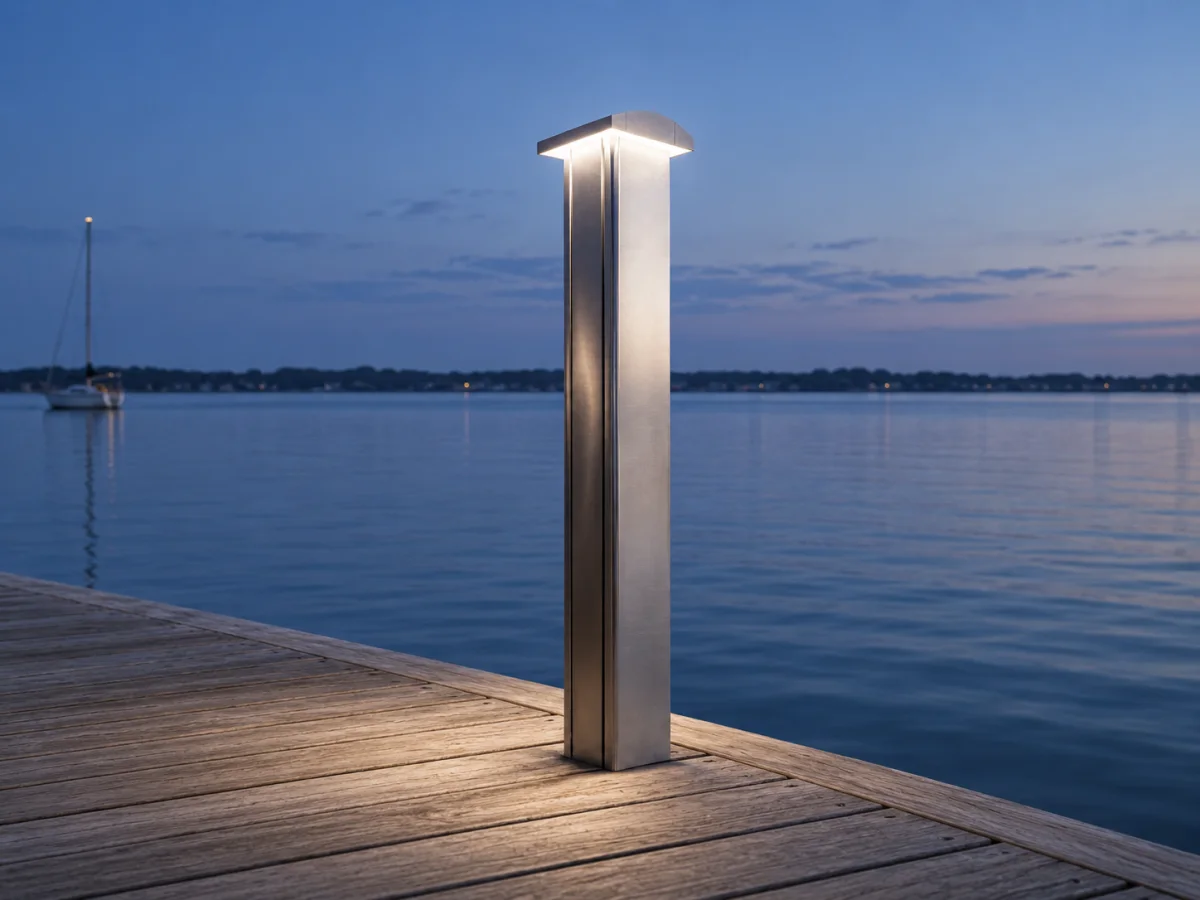
OnSiteLight controls compatible existing lighting circuits and DALI fixtures, with schedules, energy logs and alerts in the Emiko platform. Marinella NEO Light is a dedicated LED walkway pedestal with automatic dusk to dawn control. Select according to whether the project needs control of an existing installation or new lighting pedestals.
Have a question about your project?
Talk to our teamExplore
Let’s talk about your project
Tell us about your masts, fixtures and how the lighting should behave through the day. We help with the controller setup, DALI options and reporting in the Emiko platform.
Tinnetvej 70, 7173 Vonge, Denmark