Multiple metering points
Collect consumption records from utility meters across service points and buildings. The supported meter count is confirmed for the chosen controller and driver configuration.
Green Harbor Technology · Usage monitoring
Turn meter readings into customer consumption records.
Connect electricity, heat and water meters to the Emiko platform. A VikMote controller reads local meter connections and reports over GSM or WiFi, creating consumption records for customer reports and invoicing.
Key features
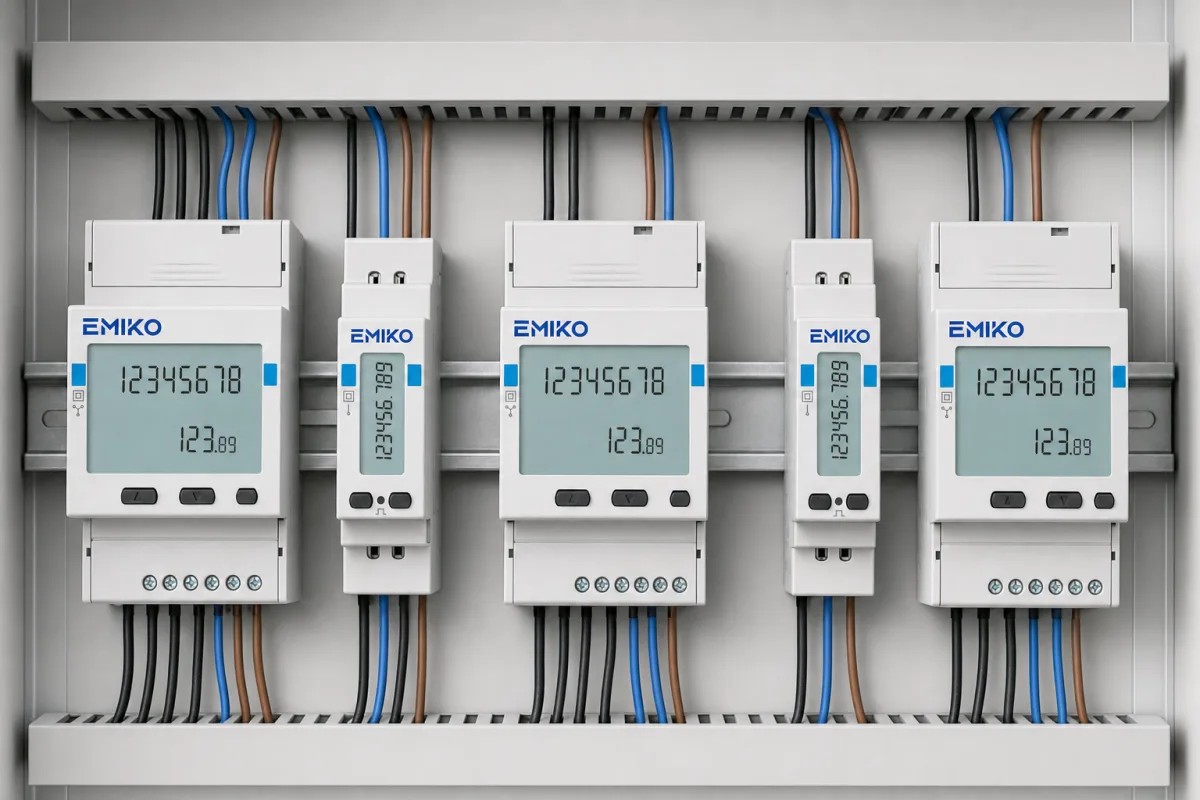
Standard DIN rail meters in the panel you already have, a wireless controller next to them, and every reading in the Emiko platform.
Collect consumption records from utility meters across service points and buildings. The supported meter count is confirmed for the chosen controller and driver configuration.
The VikMote controller reads meters through local RS485 or pulse connections and reports wirelessly to the Emiko platform. Meter and load wiring remain part of the installation.
Reads electricity, heat, water and coolant meters through supported driver profiles, including compatible Carlo Gavazzi and Kamstrup meters. The exact meter model and interface are checked before installation.
Consumption is tracked and recorded for you or your customers with precise, real time data, visible per meter and per customer in the Emiko platform.
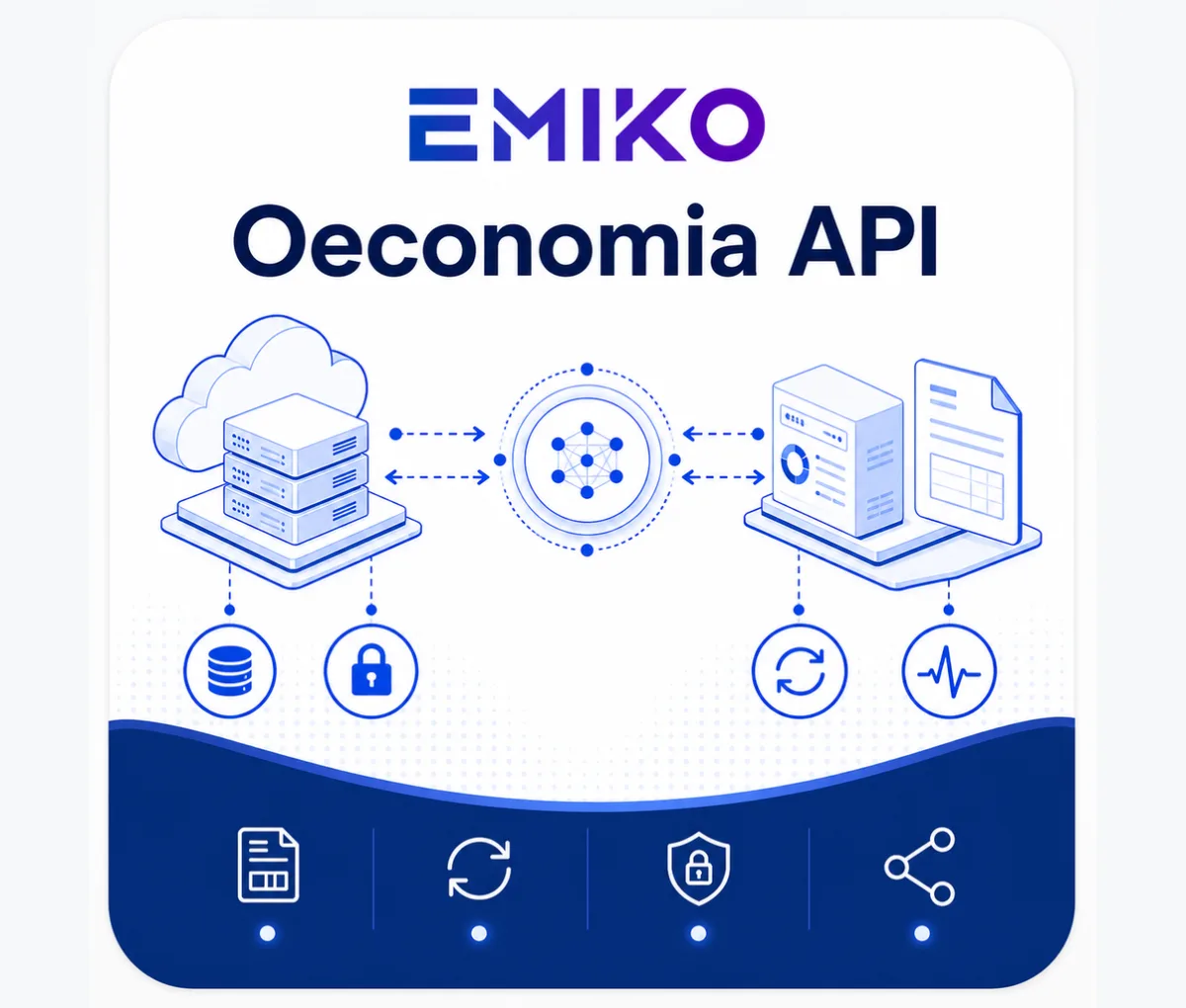
Individual consumption is retrieved quickly and invoices generated efficiently. The Oeconomia API links Emiko to your financial system for automated invoicing.
Usage data can be shared on your own website or directly in the Emiko platform through EasyShare, so customers and partners see up to date figures.
Meter approval applies to the selected measuring instrument. MID-approved electricity meters can provide readings for agreed billing workflows in the Emiko platform.
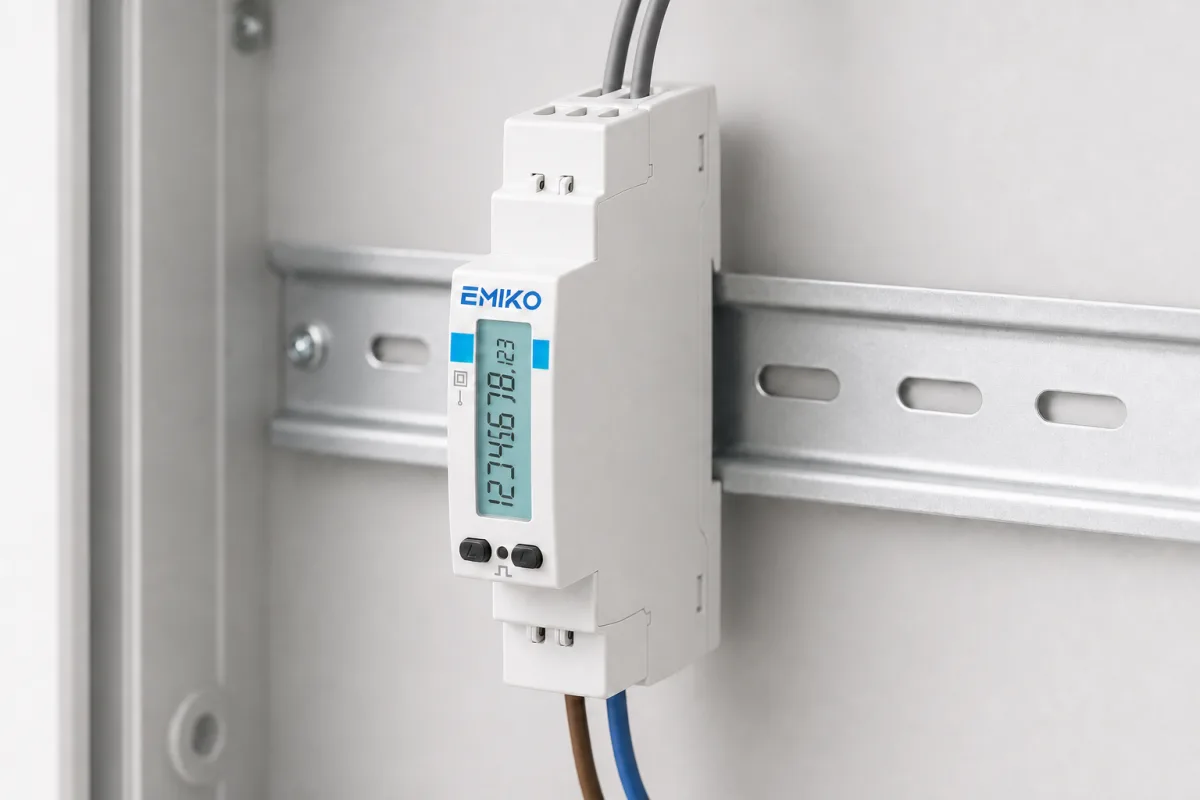
DIN rail meters are fitted in the utility or electrical panel. The controller and meters need enclosures suited to their installation location.
How it works
Meters in the panel, a VikMote controller on the wall, structured session logs in the Emiko platform.
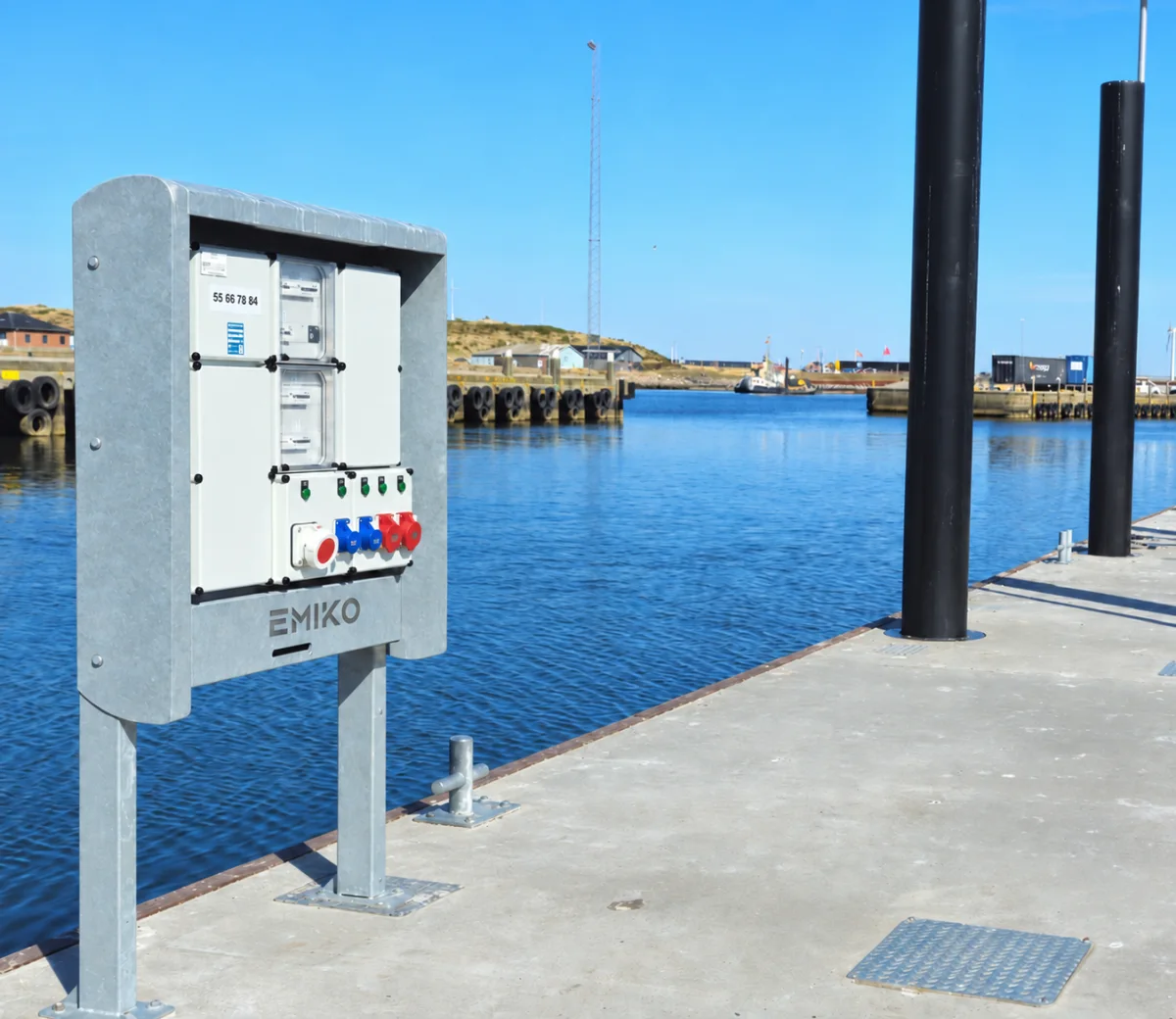
The meters are DIN rail mounted in the existing electrical or utility panel and wired to the loads or supply being measured. A VikMote controller reads them over the meter's local bus (RS485 or pulse) and reports over GSM or WiFi to the Emiko platform. Each meter runs through an approved driver profile and gets its own log session, tied to a customer or service account, or to a built in System account if none is assigned.
While a session is active EnergyLogger logs both the latest total reading and the consumption since the last row: a first row when logging starts, interval rows hourly or on a 24 hour cycle depending on the driver profile, rows on trigger events such as new meter data, a meter going online or offline or a change of assignment, and a last row when logging stops. Incoming data is validated first, minimum thresholds of 100 W for electricity and heat and 1 litre for water keep the rows clean, and timestamps are corrected to within 10 seconds for tidy period boundaries.
DIN rail meters are mounted in the existing panel and wired to the loads
A VikMote controller reads the meters over RS485 or pulse and reports over GSM or WiFi
Each meter gets a log session tied to a customer or service account in the Emiko platform
Rows are logged at start, on schedule, on trigger events and at stop
Data is validated: negative values and counter resets are flagged for follow up
Log rows feed reports, EasyShare and automated invoicing through the Oeconomia API
Ecosystem
EnergyLogger is one of the Green Harbor Technology products managed from the Emiko platform.
Emiko is Vikingegaarden's management platform for ports and other facilities: customers, live consumption, alarms, reports and billing in one system. EnergyLogger's log rows appear per meter and per customer in the Emiko platform, next to data from power pedestals, GateKeeper and other connected equipment. Advanced reports show how much each customer used and when, and the Oeconomia API passes the figures to your financial system so invoicing is faster and more accurate.
Technical details
DIN rail meters connect locally to a VikMote controller, which reports readings over GSM or WiFi.
The supported meter count is confirmed for the selected controller and driver configuration. Meter approval applies to the measuring instrument used in the installation.
Meter capacity, interfaces and billing-meter requirements are confirmed for the selected installation.
Ask about a specification| Spec | EnergyLogger |
|---|---|
| Meter compatibility | Common electricity, water and heat meters, read over RS485 or pulse |
| Capacity | On request |
| Communication | GSM or WiFi reporting; local RS485 or pulse connections to meters |
| Certification | MID meter compatibility confirmed for selected installation |
| Enclosure | Meters in a protected panel; controller enclosure selected for the site |
| Invoicing | Automated through Emiko and the Oeconomia API |
Product guide
Plan meter compatibility, local connections and customer attribution before connecting the readings to reporting and billing.
EnergyLogger serves operators who allocate or resell consumption: ports and marinas billing customers for electricity and water, and facilities tracking usage by customer, building or service point.
It collects electricity, heat, water and coolant readings from supported meters. The meter list and driver configuration determine the size of each installation.
Start with each meter model, its measured utility and available interface. EnergyLogger uses supported driver profiles for compatible Carlo Gavazzi energy meters and Kamstrup water and heat meters. The controller reads local RS485 or pulse connections.
For billing, confirm the approval and installation requirements of the selected meter. MID approval belongs to the measuring instrument; EnergyLogger records and passes its readings into the customer workflow.
Meters mount in the electrical or utility panel and connect to the loads or supplies being measured. A VikMote controller reads them locally and reports over GSM or WiFi to the Emiko platform.
Wireless reporting does not remove the local meter, bus or load connections. Cable routes, network coverage and enclosure protection are checked for each indoor or outdoor location.
EnergyLogger does more than forward numbers. Each meter runs through an approved driver profile and gets its own log session tied to a customer or service account. While the session is active it records both the latest total reading and the consumption since the last row: a first row at start, interval rows hourly or on a 24 hour cycle, rows on trigger events such as new meter data or a meter going online or offline, and a last row at stop.
Incoming data is validated before it lands: negative values are checked against per meter family limits, a counter that goes backwards is treated as a meter reset or replacement and flagged for follow up, minimum thresholds of 100 W for electricity and heat and 1 litre for water keep the rows clean, and timestamps are corrected to within 10 seconds.
In the Emiko platform, staff review consumption per meter and per customer alongside connected harbor equipment. Reports support consumption allocation, and EasyShare can publish usage data for customers or partners.
The Oeconomia API connects agreed consumption records to the financial system for invoicing. Customer assignments and the billing workflow are configured with the installation.
A closer look
Good to know
EnergyLogger is Vikingegaarden's consumption metering and data logging solution. Electricity, heat and water meters are connected to a VikMote GSM or WiFi controller, which reads them and reports structured, session based consumption logs into the Emiko platform for monitoring, reports and billing.
EnergyLogger supports electricity, heat, water and coolant meters through compatible driver profiles, including Carlo Gavazzi and Kamstrup models. Send the meter model and interface details so compatibility and the supported meter count can be confirmed.
The meters connect locally to the VikMote controller over RS485 or pulse. The controller reports to the Emiko platform over GSM or WiFi. Electrical load wiring and local meter connections remain part of the installation.
Yes. EnergyLogger collects individual consumption data for electricity, heat and water per customer. Emiko generates the reports, and the Oeconomia API connects Emiko directly with financial systems for fast and accurate automated invoicing.
MID approval applies to the selected measuring instrument, such as an approved electricity meter. EnergyLogger collects its readings. The meter, driver and billing setup are checked together for the intended use.
A first row is logged when a session starts, interval rows follow hourly or on a 24 hour cycle depending on the driver profile, extra rows are logged on events such as new meter data or a meter going online or offline, and a last row is written when logging stops or the assignment changes.
Incoming data is validated before it is logged. Negative values are checked against per meter family limits, and a counter value lower than the previous one is treated as a meter reset or replacement and flagged for follow up instead of silently continuing the old sequence.
Provide the meter models, utility types, number of measuring points, panel locations and available GSM or WiFi coverage. Vikingegaarden checks the local connections, enclosure requirements and customer assignments before configuring reporting and invoicing.
Have a question about your project?
Talk to our teamExplore
Let’s talk about your project
Tell us which meters you have, how many points you want to read and how you invoice today. We help with meter compatibility, controller setup and the Emiko configuration.
Tinnetvej 70, 7173 Vonge, Denmark