SMS operation
Start and stop stirring or pumping with a simple SMS, and let BioWatch stop automatically after the configured run time so nothing is left running.
NordWatch Automation · Slurry systems
Scheduled control for slurry mixers and transfer pumps.
BioWatch electrical panels start, stop and schedule slurry mixers and pumps. Choose the panel for your motor, with SMS operation, timer control and optional level, leakage and overflow functions configured for the installation.
Key features
Motor-sized panels provide local and remote operation, scheduled run times and the sensor options selected for the installation.

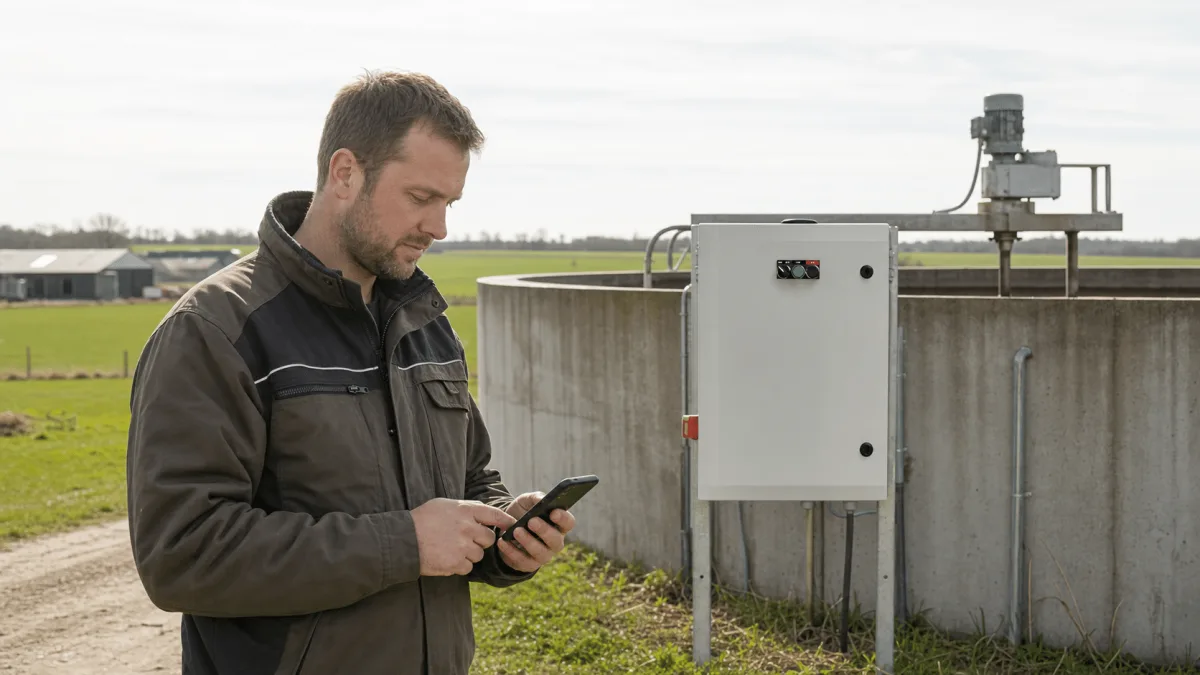
Start and stop stirring or pumping with a simple SMS, and let BioWatch stop automatically after the configured run time so nothing is left running.
Set when the slurry must be stirred and for how long. The clock function runs the schedule without anyone triggering it manually.
SMS fault notifications can cover power interruption and connected leakage or overflow functions. The required sensors and alarm recipients are agreed when the panel is commissioned.
With an optional level sensor connected, the transfer pump can stop when the source tank approaches its configured low level, helping prevent dry-running.
With overflow protection connected, BioWatch sends an SMS when an overflow risk is detected.
Thorough stirring makes the slurry uniform: easier to pump, nutrients spread more evenly on the field, less odour and less sedimentation.
Operate the panel locally with the selector and buttons, or switch to automatic operation with SMS remote control or the clock function.
BioWatch is supplied as an electrical panel ready for assembly and commissioning, sized to the motor and installed near the tank or pump.
How it works
A wall mounted technical cabinet wired to the motor, controlled locally, by SMS, by timer or from Emiko.
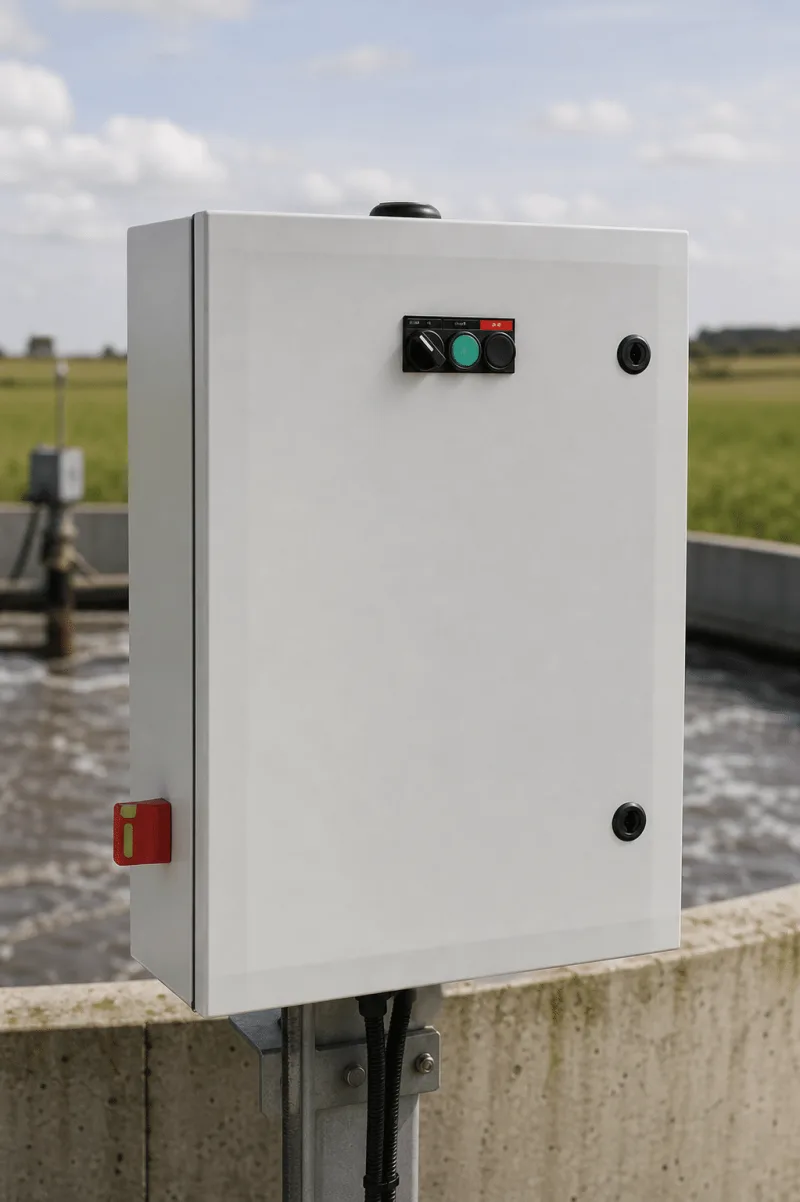
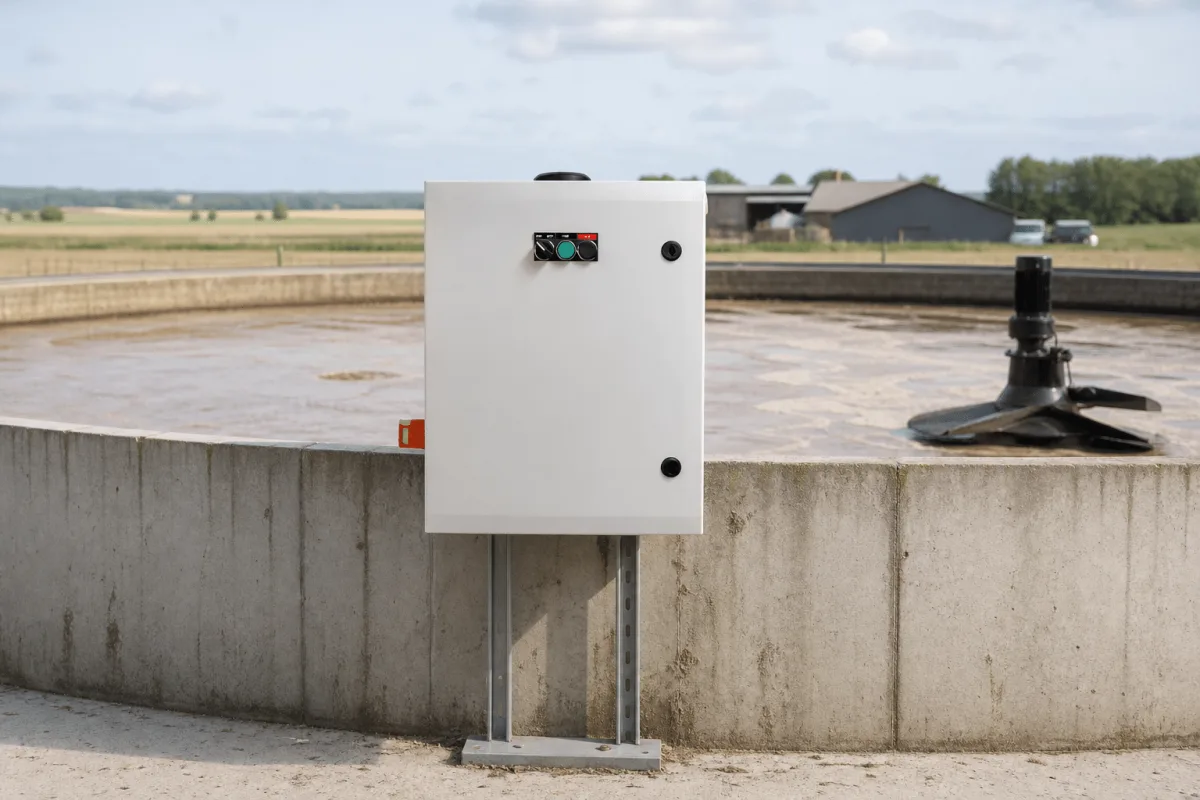
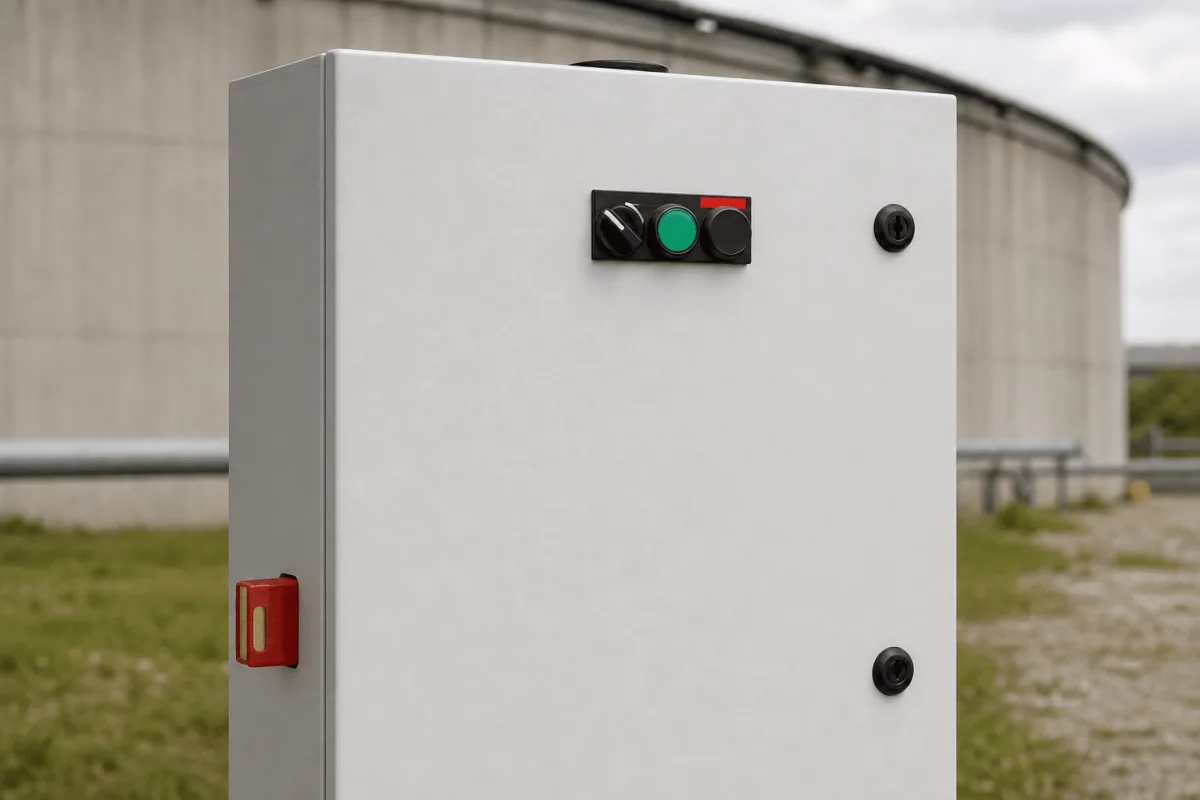
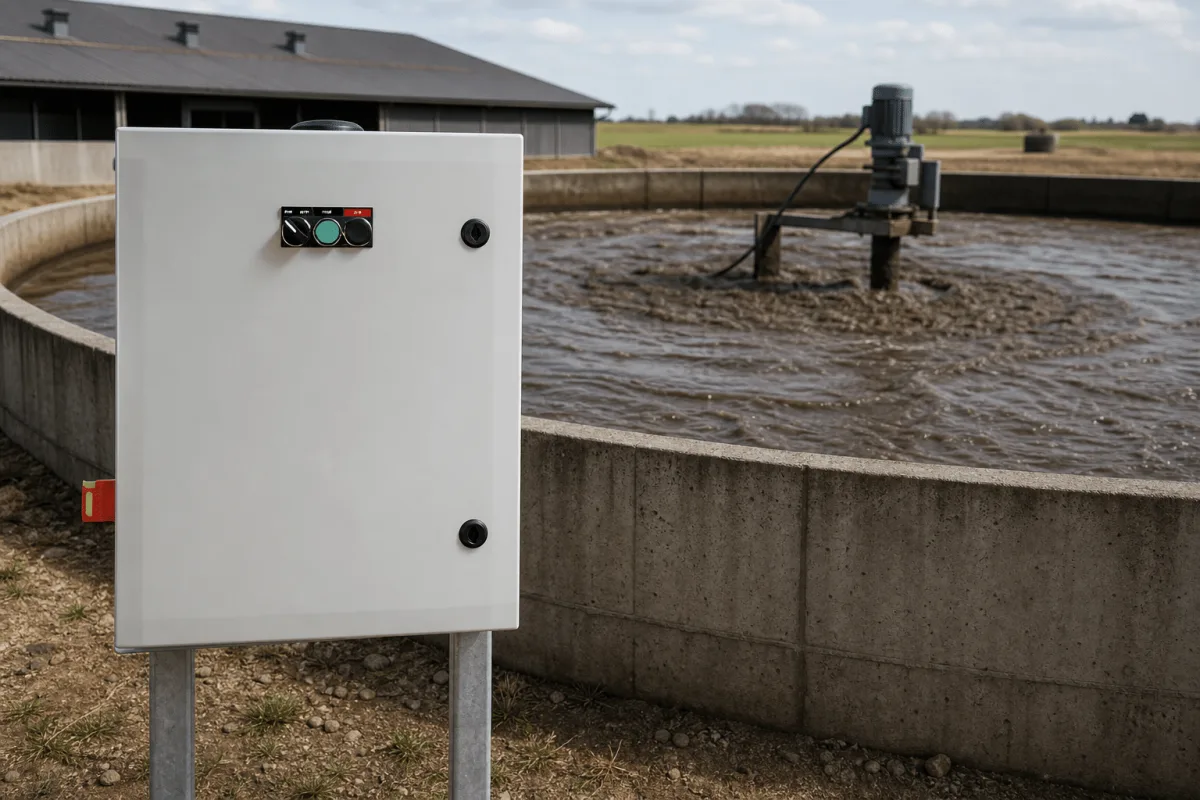
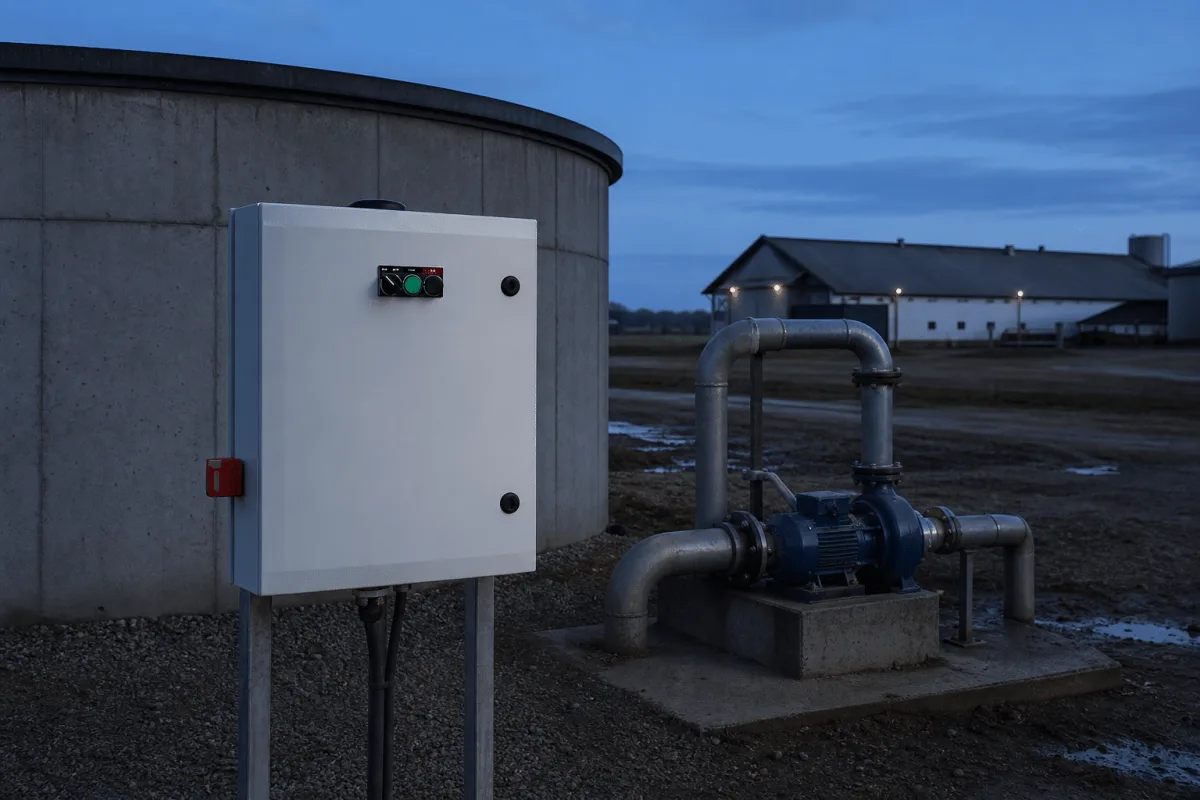
BioWatch is a light grey sheet metal electrical cabinet with a lockable door and a simple control strip: a mode selector, a green run indicator and an on/off button. It is installed near the slurry tank or pump and wired to the motor, in a size matching the motor's power rating from 5.5 to 30 kW. Operation is manual at the panel or automatic: an SMS starts or stops the mixer or pump, and it stops by itself after the configured run time, or the clock function runs stirring on a fixed schedule.
Optional inputs extend the panel: a level sensor stops the transfer pump when the source tank is nearly empty, overflow protection sends an SMS on overflow risk, and leakage monitoring raises an alarm. If the power supply is disconnected the panel reports it. The mixer control panel provides the Emiko login for the installation. Pump-panel SMS control is routed through its paired mixer panel; connected level sensors provide the tank information.
Choose the mixer or pump panel matching the motor, 5.5 to 30 kW
Mount the cabinet near the tank and wire it to the motor
Run manually at the panel, by SMS or with the timer
Add level sensor, overflow protection and leakage monitoring as needed
Use the mixer-panel Emiko login for configured status and remote functions
Models
Two panel types, each in six sizes matched to the motor's power rating.
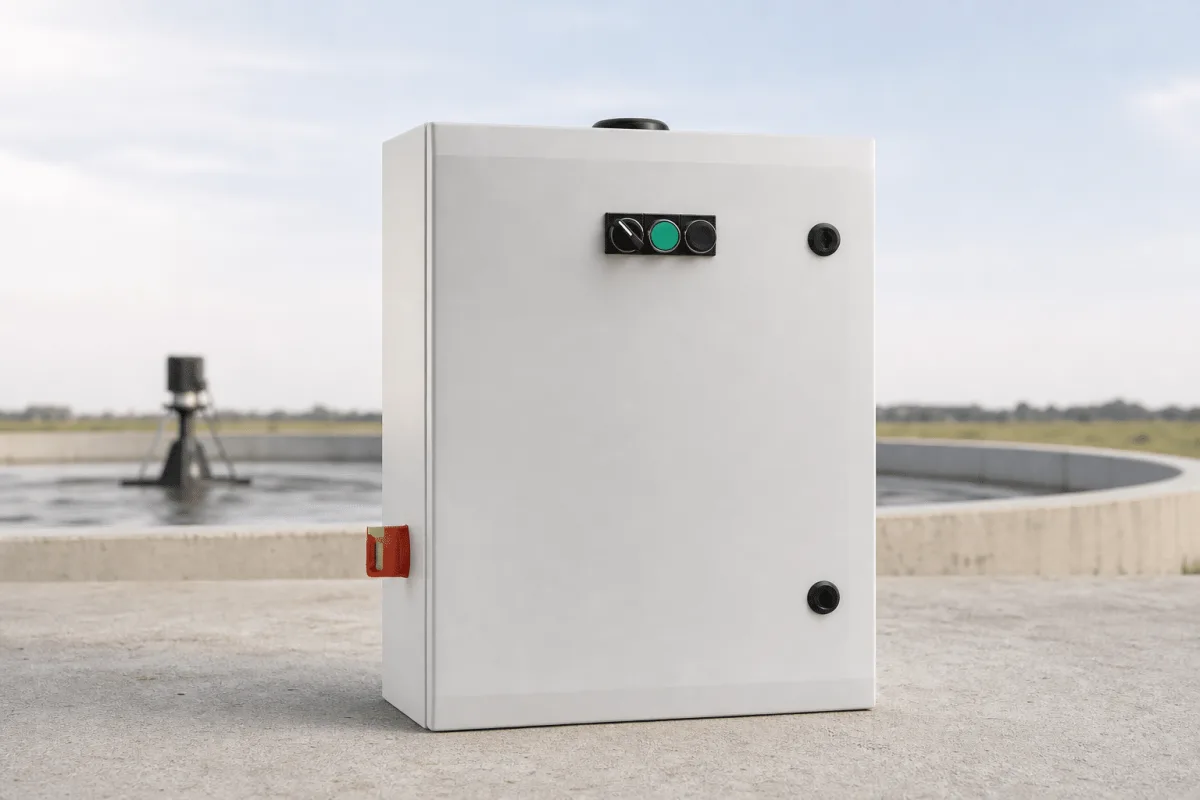
Controls the slurry mixer (agitator) and carries the Emiko web login for the installation.
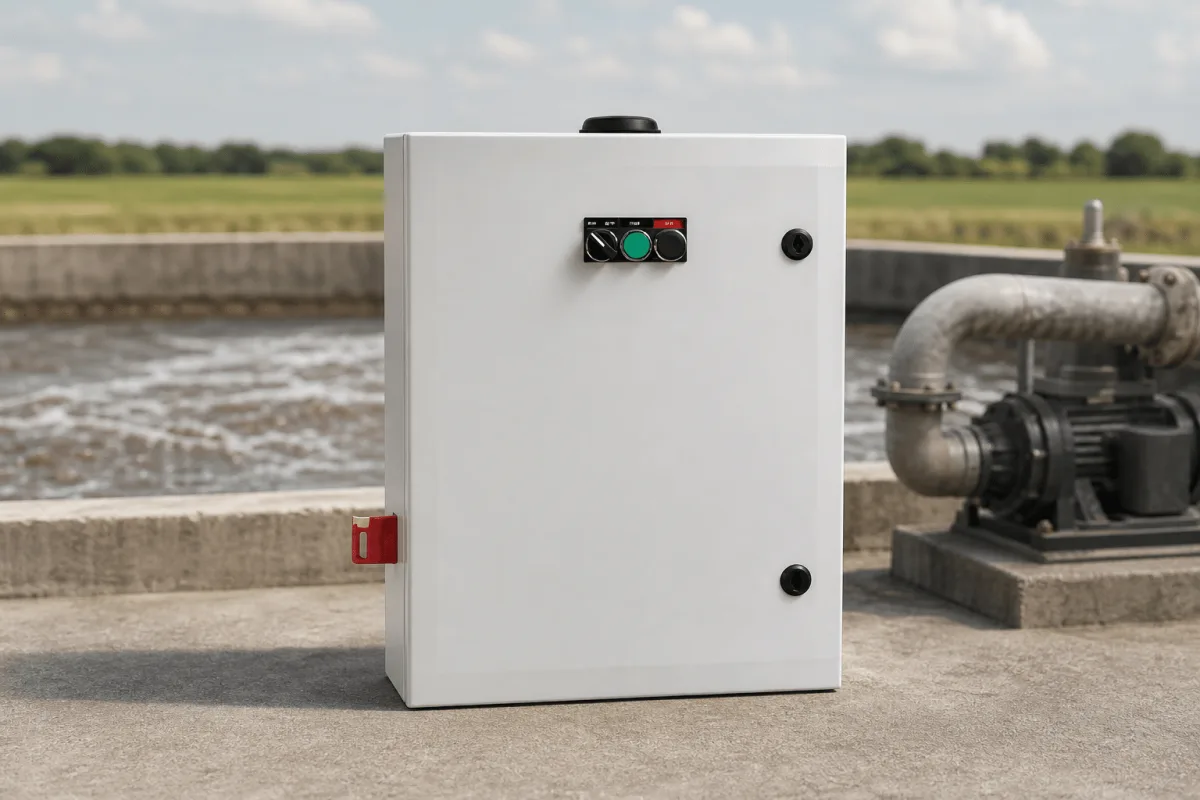
Controls the slurry transfer pump; SMS remote control is routed through the paired mixer panel.
Ecosystem
BioWatch controls mixers and pumps. FlexGylle monitors tank level and leaks. The configured Emiko connection provides the remote view.
The BioWatch mixer control panel provides Emiko access for the installation. Pump-panel SMS commands are routed through the paired mixer panel. Available level data and alarm functions depend on the connected sensors and commissioned setup.
FlexGylle is the related tank-level and leak-monitoring product. For biogas-specific applications, discuss the required mixer, pump and sensor configuration with Vikingegaarden before specifying the panels.
Technical details
Each size is a distinct panel item. Tell us the motor rating of your mixer and pump and we select the matching panels.
Ask about a specification| Spec | Mixer control panel | Pump control panel |
|---|---|---|
| Motor sizes | 5.5, 7.5, 11, 18.5, 22, 30 kW | 5.5, 7.5, 11, 18.5, 22, 30 kW |
| Emiko web login | Yes | No, via paired mixer panel |
| SMS remote control | Direct | Routed via paired mixer panel |
| Delivery | Panel ready for assembly and commissioning | Panel ready for assembly and commissioning |
Product guide
BioWatch controls the motors used for slurry mixing and transfer. Select the mixer and pump panels by motor rating, then specify the required timer, remote-access and sensor functions.
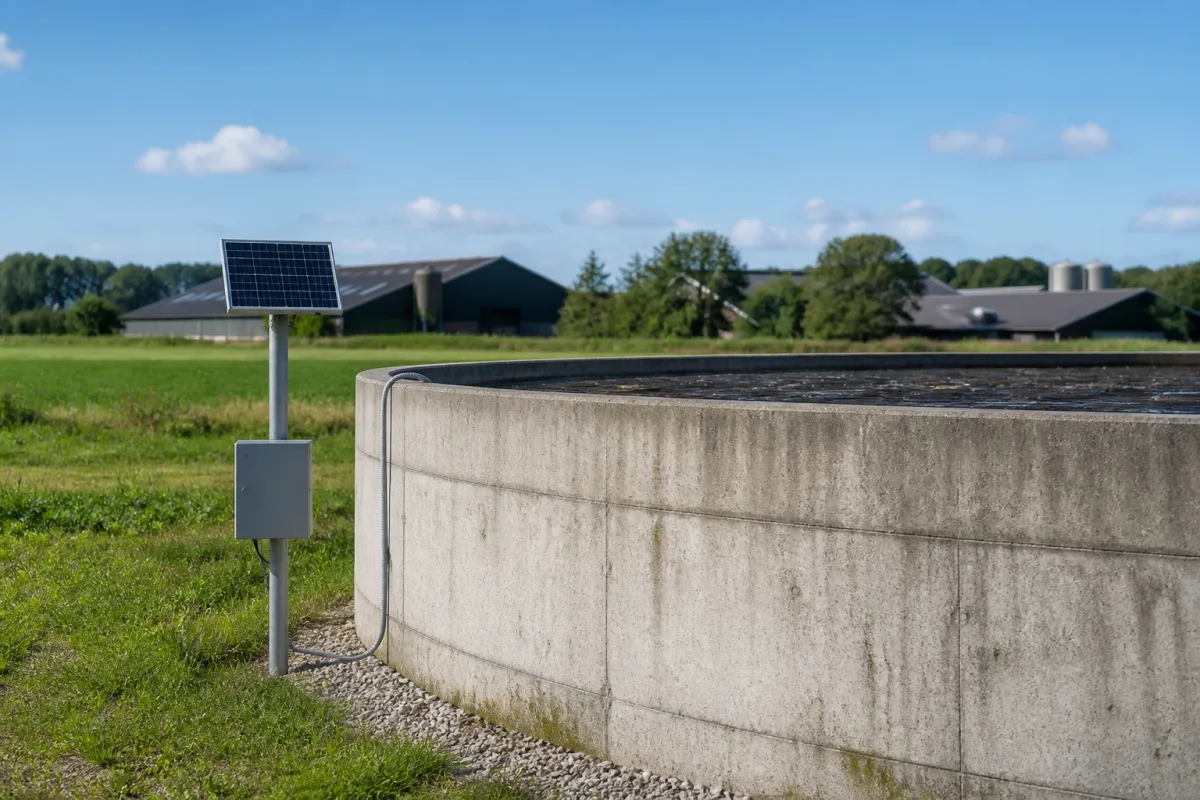
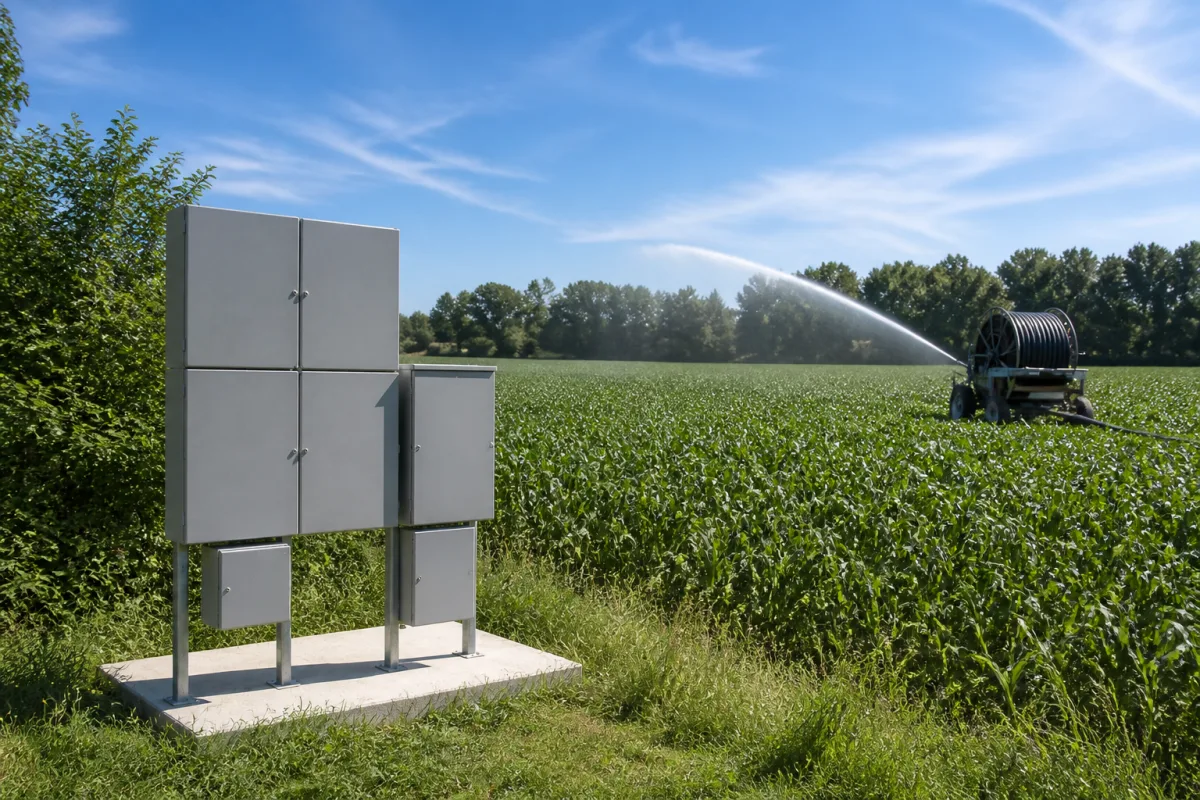
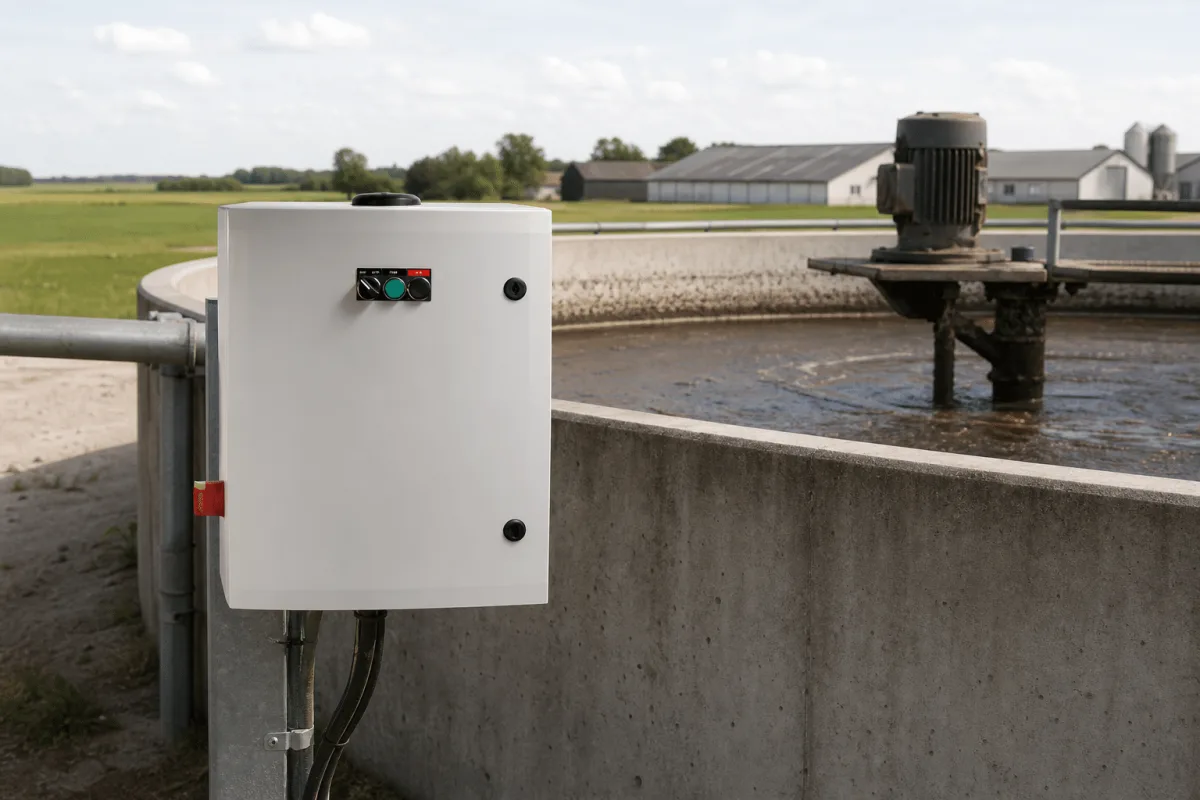
BioWatch is built for livestock farms and other operations that store slurry in large tanks. The typical installation is a round concrete slurry tank with a mixer on its rim and a transfer pump nearby: the BioWatch cabinet is mounted on a wall or post close to the tank and wired directly to the motor it controls. Because every panel is sized to the motor, the same solution fits a small agitator as well as a 30 kW pump.
The product belongs to Vikingegaarden's slurry systems range within NordWatch Automation, alongside FlexGylle, the tank level and leak alarm system. For biogas specific technical questions, Biogas Teknik collaborates on the BioWatch solution.
There are two panel types. The mixer control panel operates the slurry agitator and carries the Emiko web login for the installation. The pump control panel operates the transfer pump; its SMS remote control is routed through the paired mixer panel rather than working on its own. Both types come in six sizes matched to motors of 5.5, 7.5, 11, 18.5, 22 and 30 kW, and each size is a distinct panel item.
Selecting a configuration therefore starts with two numbers: the power rating of your mixer motor and the power rating of your pump motor. From there you decide which options the site needs: a level sensor that stops the transfer pump when the source tank is nearly empty, overflow protection that warns by SMS, and leakage monitoring.
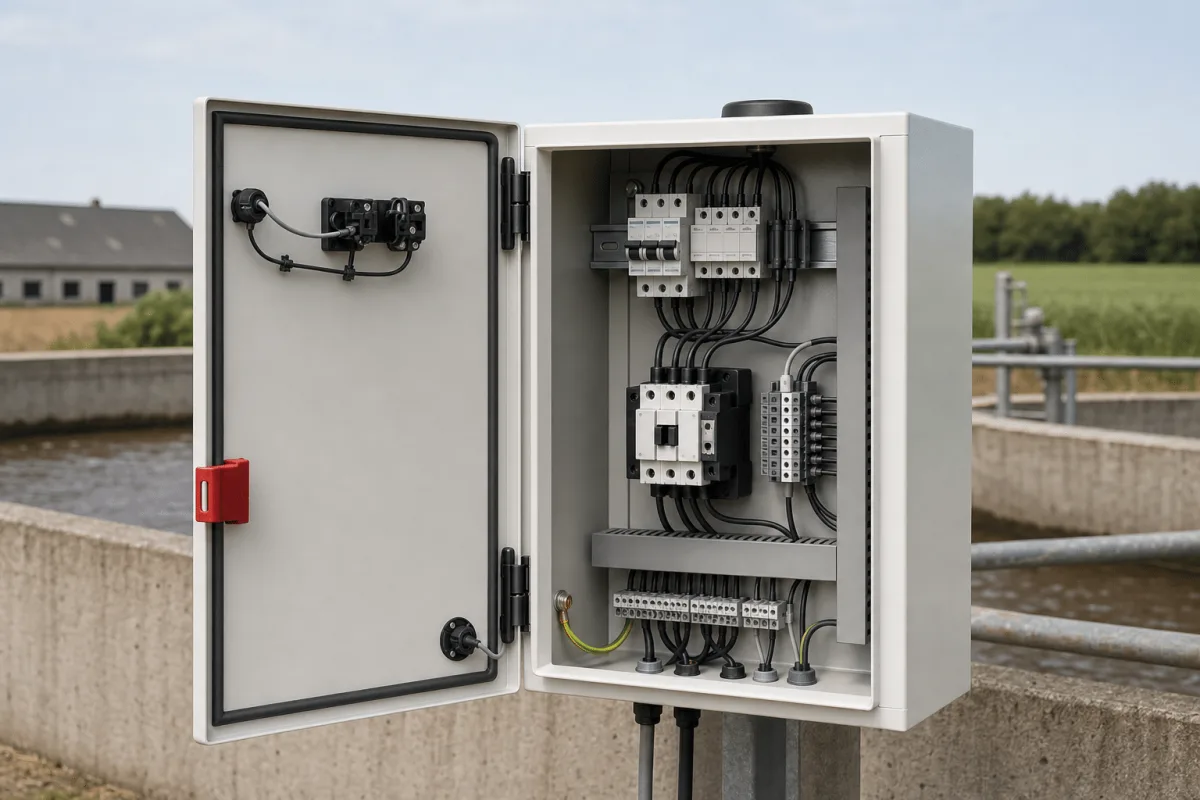
Each BioWatch is supplied as an electrical panel ready for assembly and commissioning. The controller sits closed inside a compact metal cabinet with a lockable door, installed near the slurry tank or pump and wired to the motor. The front of the door carries a simple control strip: a mode selector, a green run indicator and an on/off button, for local manual operation.
Commissioning consists of wiring the motor and any optional sensors, then setting run times, schedules and alarm recipients. There is no screen on site; everything beyond the physical buttons happens through SMS and the Emiko login.
Operators can run the installation locally or use the configured SMS and timer functions. A run time defines when an automatically started operation stops. The mixer panel provides the Emiko login, and pump-panel SMS control passes through that paired panel.
Power faults and connected leakage or overflow functions can raise SMS notifications. Low-level pump stopping requires the optional level sensor. Commissioning establishes the schedules, sensor behavior, access and alarm recipients for the installation.
BioWatch schedules and switches the mixer or pump motor. The selected level, leakage and overflow inputs extend those controls. For dedicated tank level and volume records, compare FlexGylle slurry tank monitoring.
Share the mixer and pump motor ratings, tank layout and required protections when planning the project. For a biogas project, share the process requirements so the applicable panels, sensors and controls can be reviewed.
A closer look
Good to know
Timed control lets the operator define when the mixer runs and for how long. Stirring helps keep slurry uniform for pumping and nutrient distribution. BioWatch automates the configured run schedule; the mixing pattern and duration are set for the tank and its equipment.
The mixer control panel carries the Emiko login for the installation. The pump control panel has no independent web login, and its SMS remote control is routed through a paired mixer panel. Select the panels and connection arrangement together.
No. Low-level pump stopping requires the optional level sensor, and overflow warnings require the selected overflow protection. Leakage monitoring and other sensor functions are specified for the installation. Confirm the required inputs and alarms when the motor-sized panels are ordered.
BioWatch is supplied as an electrical panel ready for assembly and commissioning. The cabinet is mounted near the slurry tank or pump and wired to the motor, in a size matching the motor's rating from 5.5 to 30 kW. Optional sensors for level, overflow and leakage are connected during commissioning.
Have a question about your project?
Talk to our teamExplore
Let’s talk about your project
Tell us the motor ratings of your mixer and pump and which alarms and sensors you want. We select the right panels and help with commissioning.
Tinnetvej 70, 7173 Vonge, Denmark