Automated gate control
GateKeeper triggers the gate to open and close automatically, so nobody has to operate it by hand or carry a physical remote.
Green Harbor Technology · Access control
App access and event logs for your harbor gates.
Connect an existing gate operator to the Emiko platform. Customers open the gate from the Emiko Customer App, and recorded control events support customer administration, reporting and usage billing.
Key features
One compact device on the gate post, and the gate becomes a managed, logged and billable service in the Emiko platform.

GateKeeper triggers the gate to open and close automatically, so nobody has to operate it by hand or carry a physical remote.
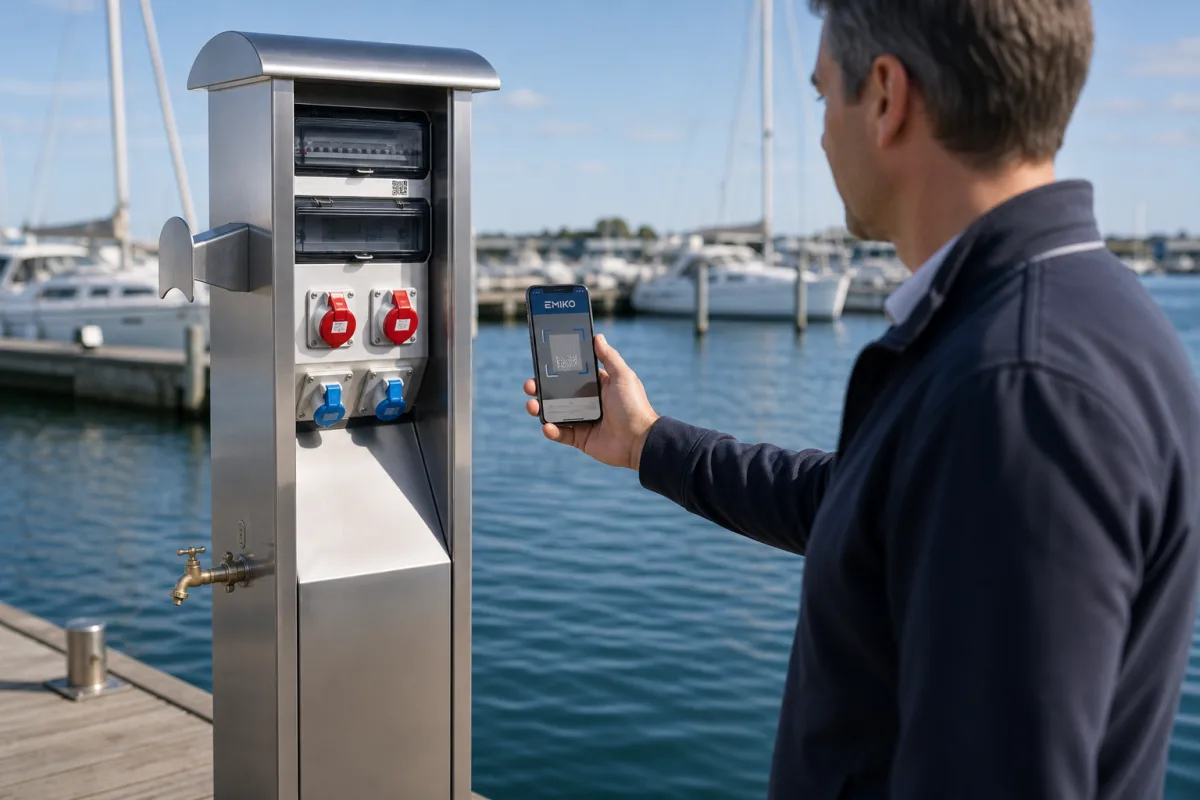
Customers open the gate remotely through the Emiko Customer App. No keys, tags or fobs to hand out, collect or replace.
Each open and close event is recorded in real time in the Emiko platform, with the customer who triggered it and the exact time.
Every access event is tracked, so gate usage can be invoiced accurately. Timestamps, customer activity and total access counts are available for reporting.
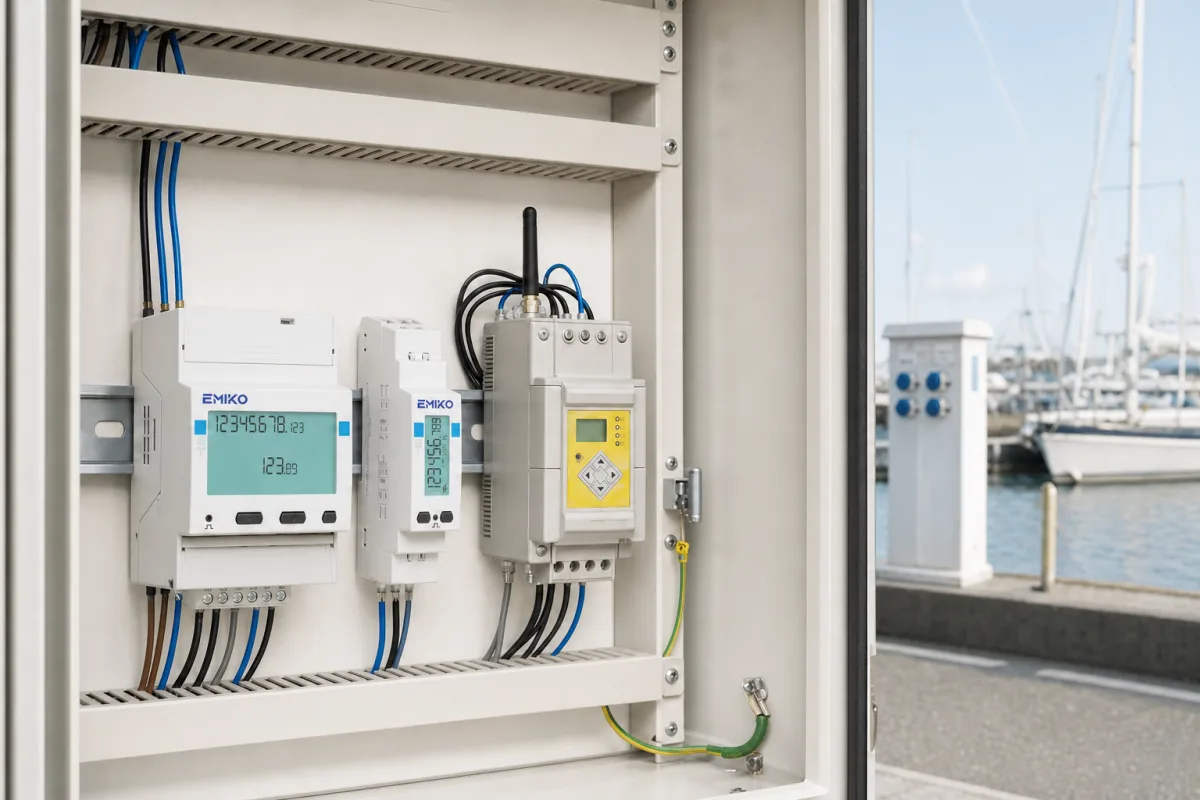
A VikMote controller connects the gate operator to the Emiko platform. Operator compatibility, power and local connections are assessed before installation.
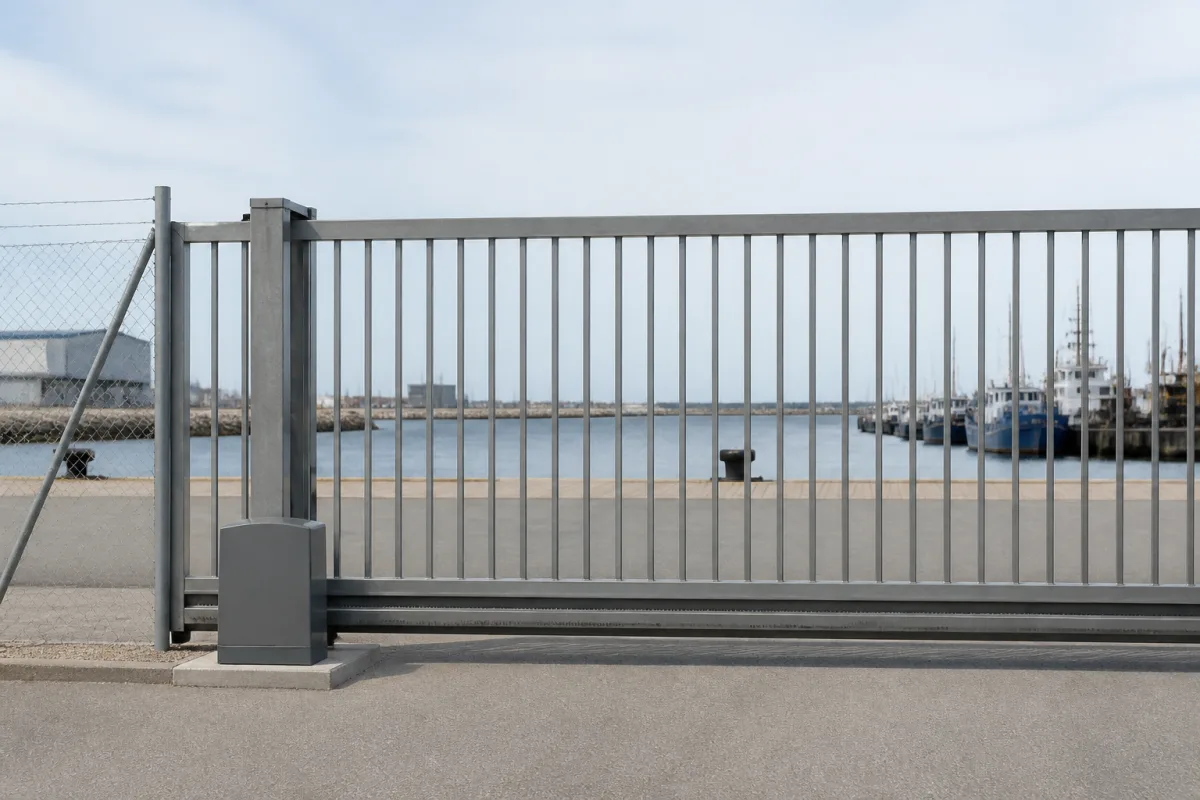
Compatible with most existing gate systems. GateKeeper is fitted as an upgrade to the gate you already have, so the gate itself stays.
The gate can be operated manually during a power outage. Access records already stored in the Emiko platform remain available.
Recorded gate commands include the customer account and timestamp, giving staff a view of activity at connected access points.
How it works
The gate operator is connected to the Emiko platform through a VikMote controller mounted at the gate post, and every event flows into the same customer database as your other equipment.
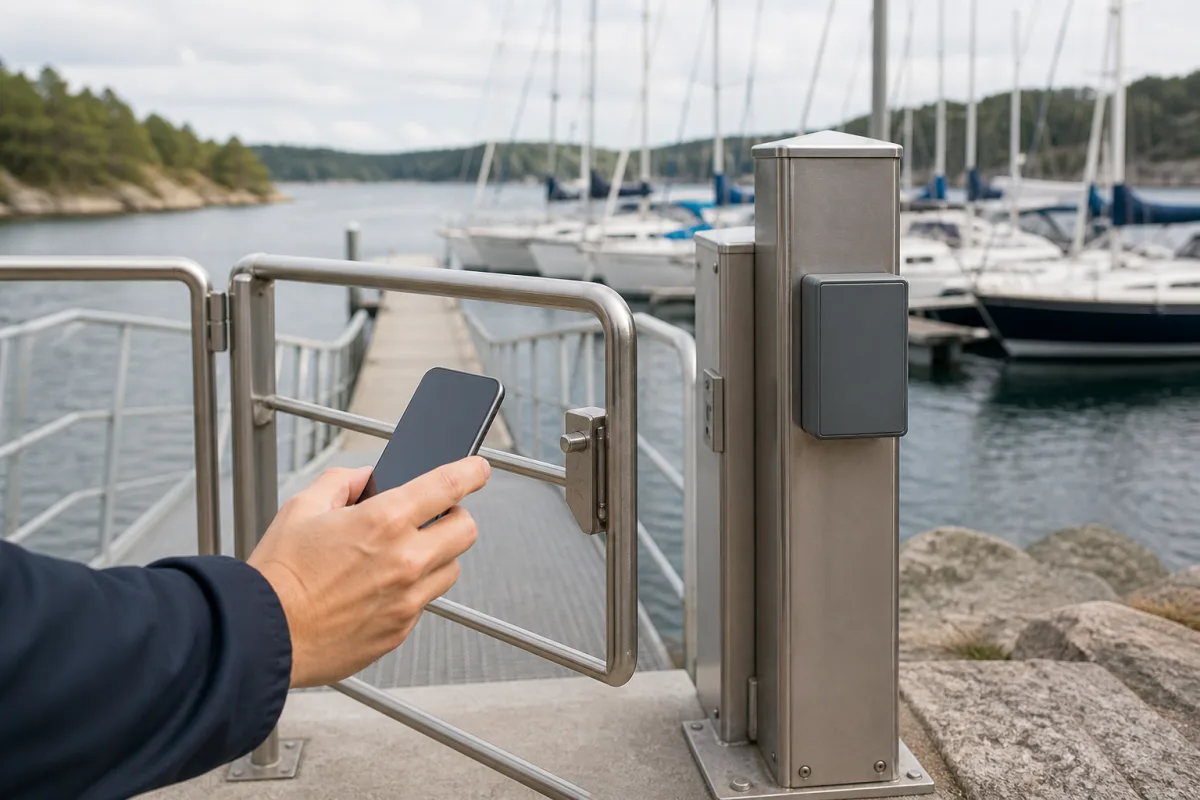
The customer opens the Emiko Customer App and selects the gate. GateKeeper triggers the gate operator to open, and later to close, and records the event with the customer's identity and a timestamp. All events are stored in the Emiko platform, where the harbor can see which customer triggered a gate command and when, generate reports and invoice usage.
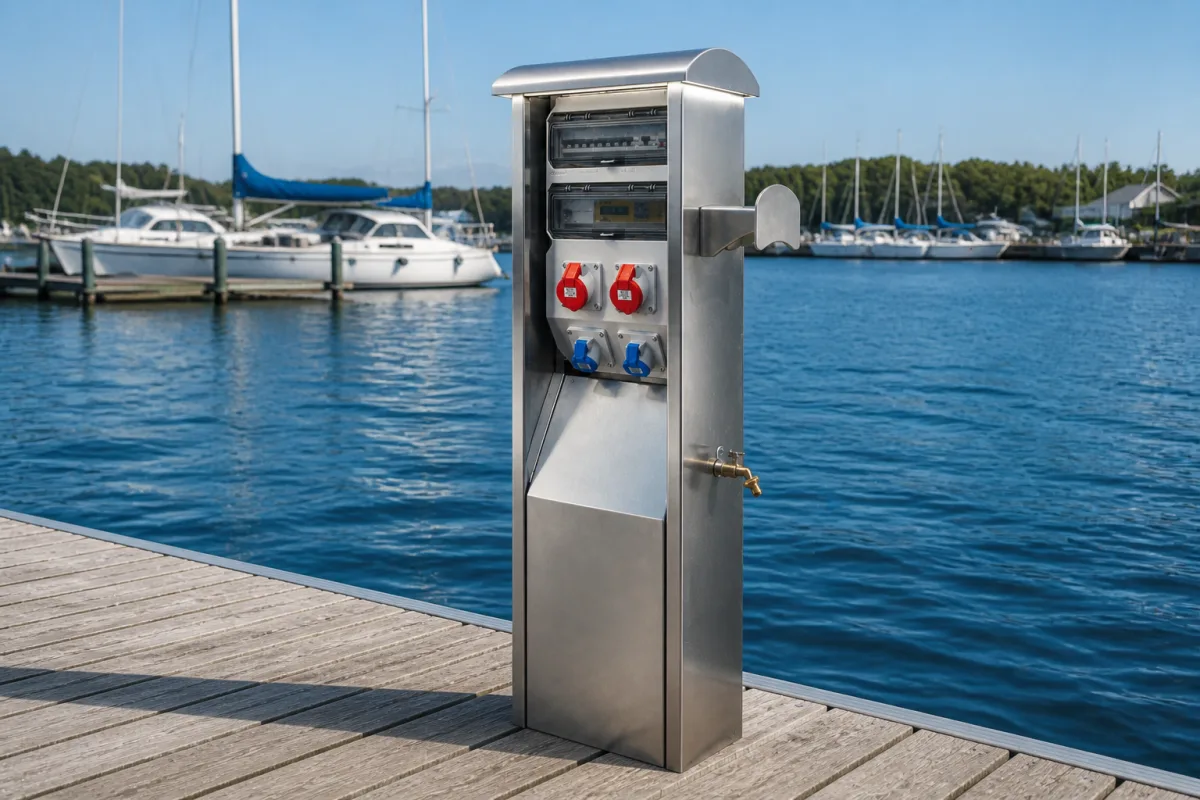
Because GateKeeper shares the Emiko customer database with Marine Power Pedestals, EnergyLogger and other connected equipment, gate access and consumption end up on the same customer account and in the same billing run.
The customer opens the gate from the Emiko Customer App, no key or fob needed
GateKeeper triggers the gate operator to open and close automatically
The event is logged in real time with the customer's identity and a timestamp
Reports in the Emiko platform show timestamps, customer activity and total access counts
Usage data feeds invoicing together with the customer's other services
In a power outage the gate can be operated manually and stored data is kept
Ecosystem
GateKeeper is part of the same Emiko ecosystem as Vikingegaarden's power pedestals and consumption meters.
Emiko is Vikingegaarden's management platform for ports and marinas: customers, live status, alarms, reports and billing in one place. GateKeeper reports every gate event to the Emiko platform, next to the electricity and water consumption from Marine Power Pedestals and the meter data from EnergyLogger, so one customer account carries access and consumption together. Customer level logging was a design priority from the start, also with a view to the EU data protection rules that came into force in May 2018.

Product guide
GateKeeper turns an ordinary port or marina gate into a managed, logged and billable access point on the Emiko platform. Here is who it is for, how an installation is planned and what daily operation looks like.
GateKeeper is built for ports and marinas that still control their gates with physical keys, fobs or remotes, and for any waterfront facility where the office spends time handing credentials out, collecting them back and replacing the ones that go missing. Gate events are recorded against customer accounts, supporting administration at individual entrances and across connected access points.
The product did not start as a catalogue idea. GateKeeper was developed together with Thyborøn Havn, a working Danish port that wanted customer administration and gate access brought together in one system, also with a view to the EU data protection rules that came into force on 25 May 2018. That origin shows in the design: every gate operation is tied to a named customer from the start, not bolted on later.
The starting point is the gate operator you already have. Vikingegaarden confirms compatibility before fitting GateKeeper as an upgrade. The gate layout, operator controls and intended customer access are reviewed for each entrance.
A VikMote controller mounted at the gate connects the operator to the Emiko platform. Power, local wiring, communication coverage and manual operation are included in the installation plan.
For the customer, using the gate is a few seconds of interaction: open the Emiko Customer App, select the gate, and GateKeeper triggers the operator to open and later to close. There is no key to carry and nothing for the harbor office to program or reissue.
For the harbor master, every open and close event lands in the Emiko platform with the customer's identity and a timestamp. Reports show gate usage, customer activity and total access counts, so traffic patterns through the entrance become visible data rather than guesswork. Because GateKeeper shares the Emiko customer database with Marine Power Pedestals, EnergyLogger and other connected equipment, gate access and electricity or water consumption sit on the same customer account and go out in the same billing run.
During a power outage the gate can be operated manually. Records already stored in the Emiko platform remain available to the harbor office. The manual procedure and behavior during communication interruptions should be agreed during commissioning.
The event log records customer-triggered gate commands and their timestamps. It supports access administration and billing; a command record does not establish which people or vehicles physically passed through the opening.
GateKeeper connects gate activity to the customer records used for other Emiko services. A harbor can review access alongside metered electricity and water without maintaining a separate gate customer list.
For existing utility meters, EnergyLogger adds consumption records to the same platform. The access rules and billing workflow are configured for the services each customer may use.
Gallery
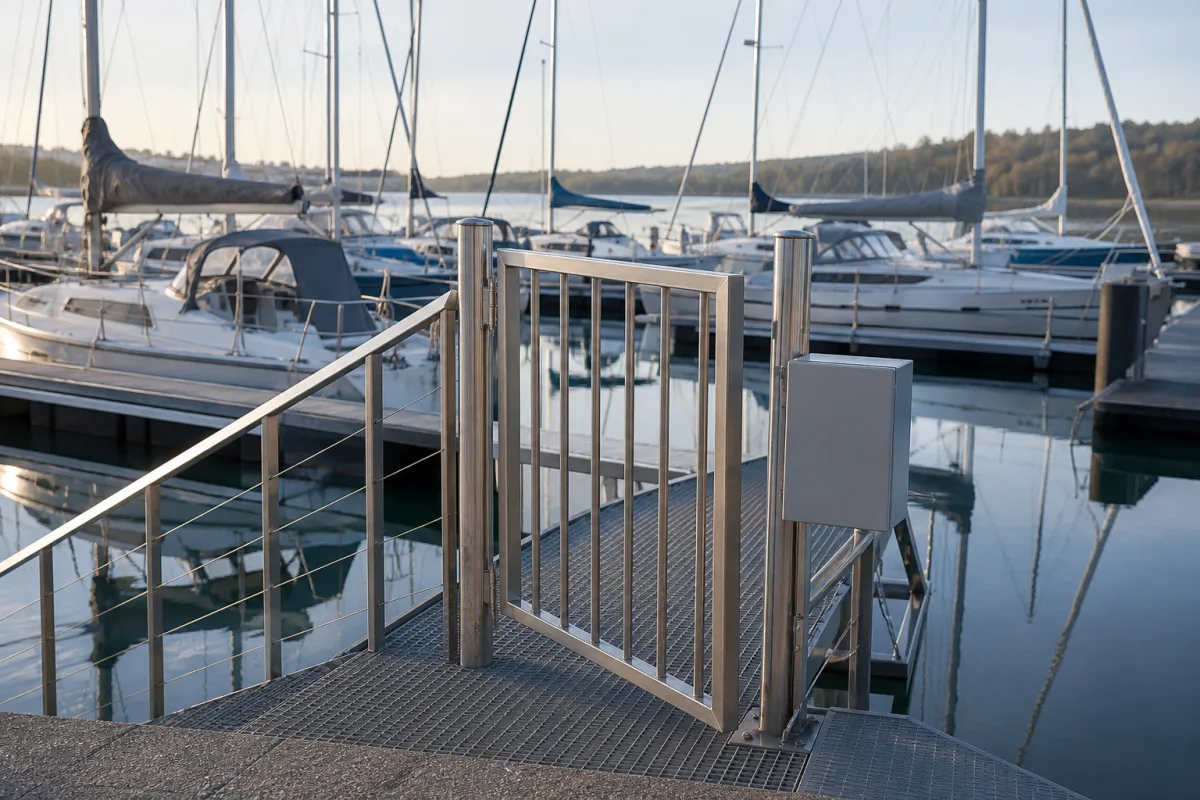
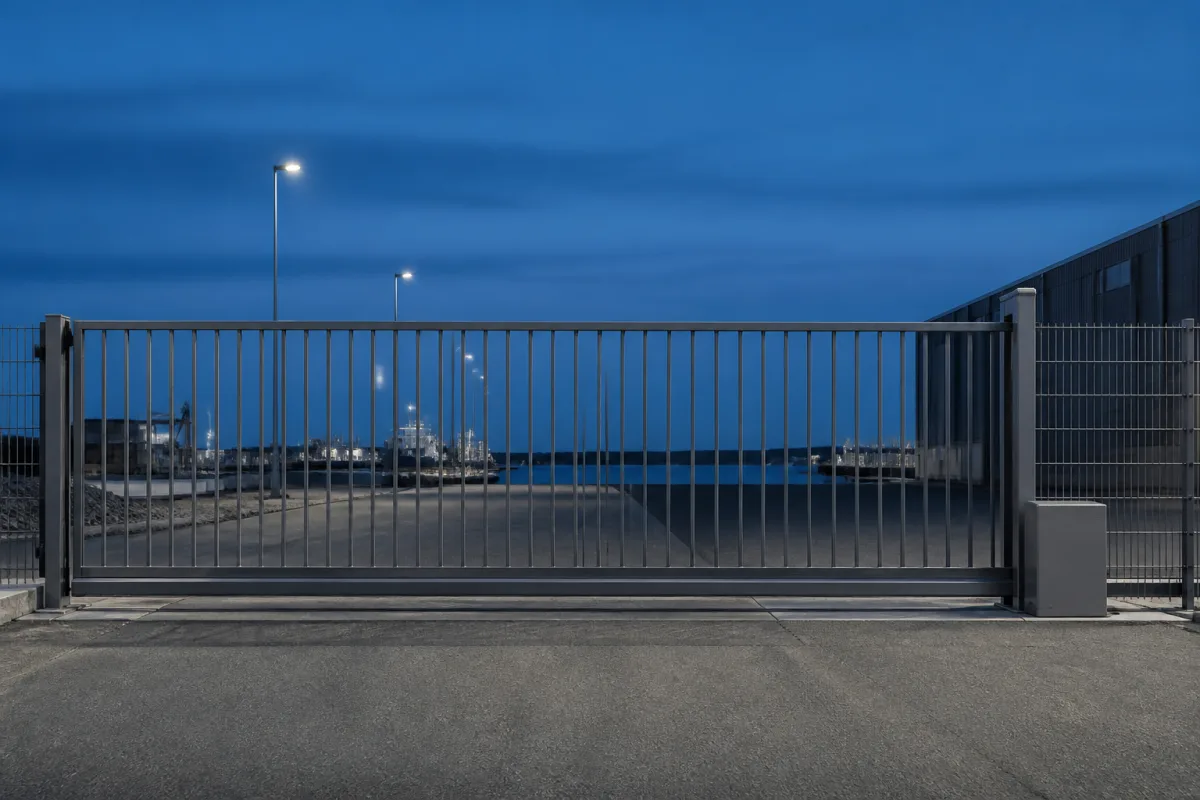
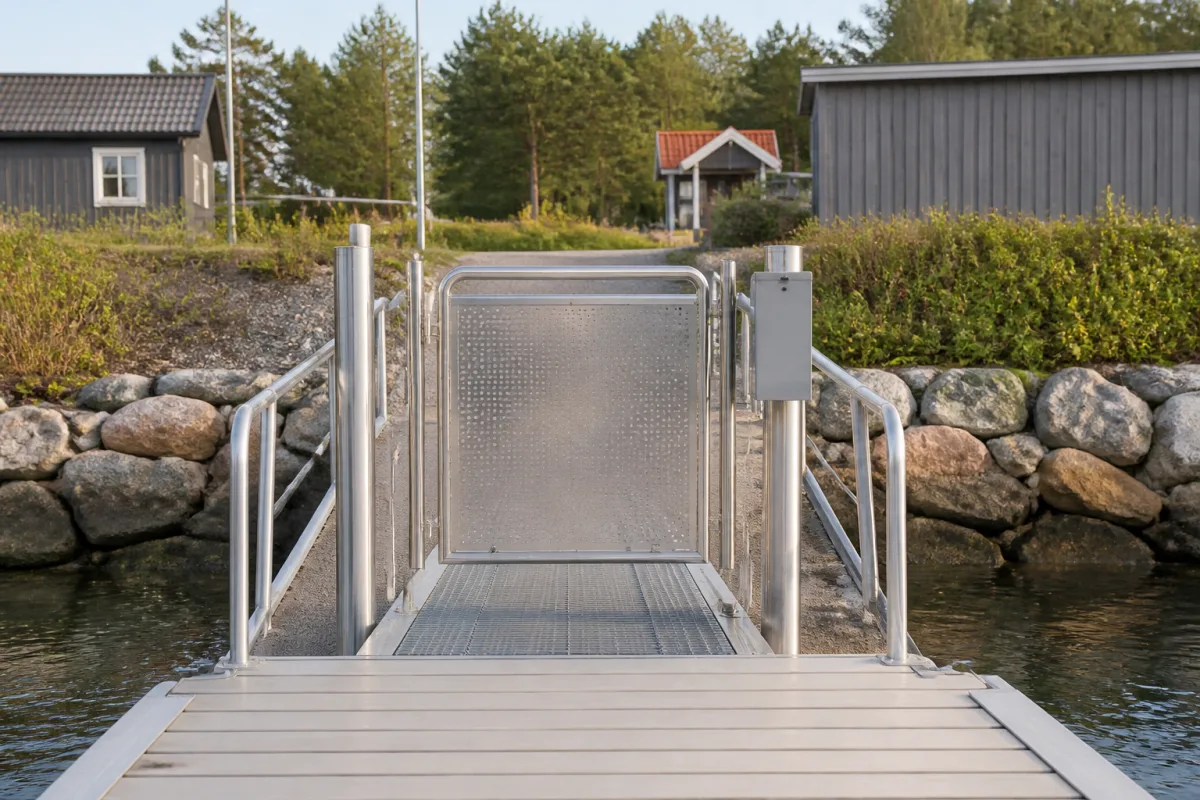
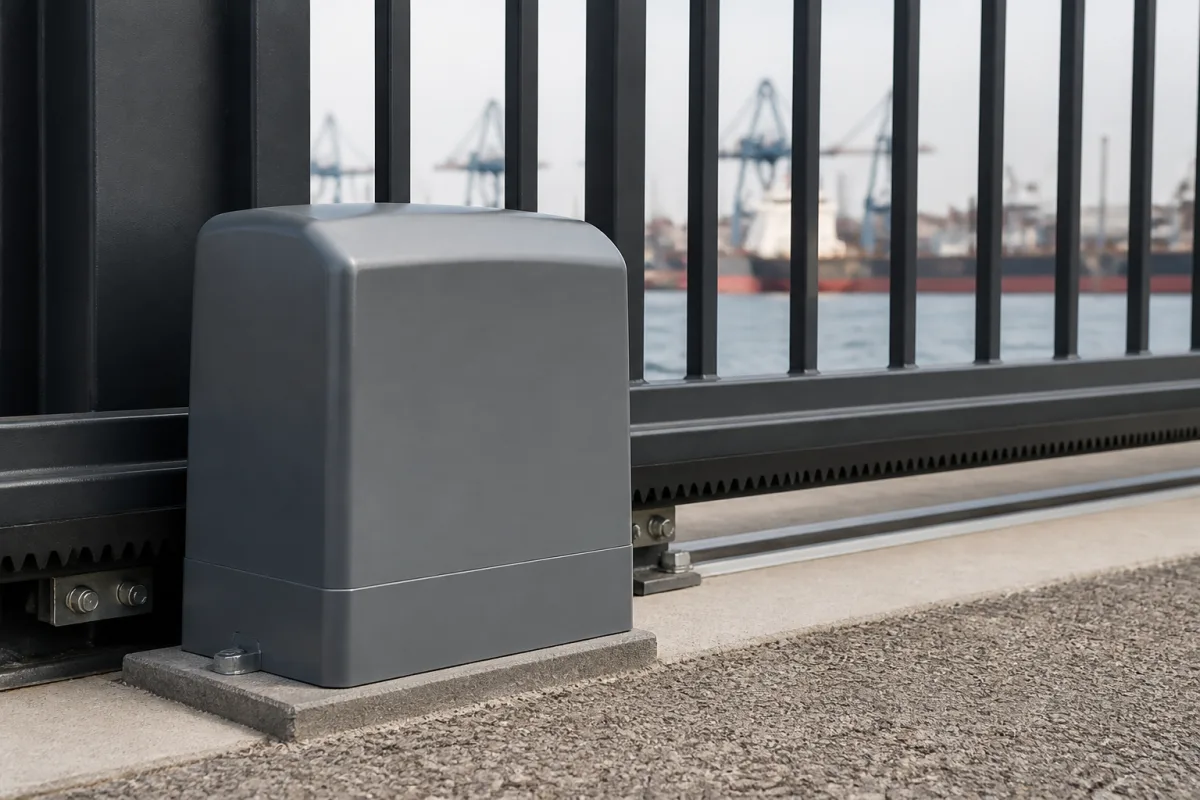
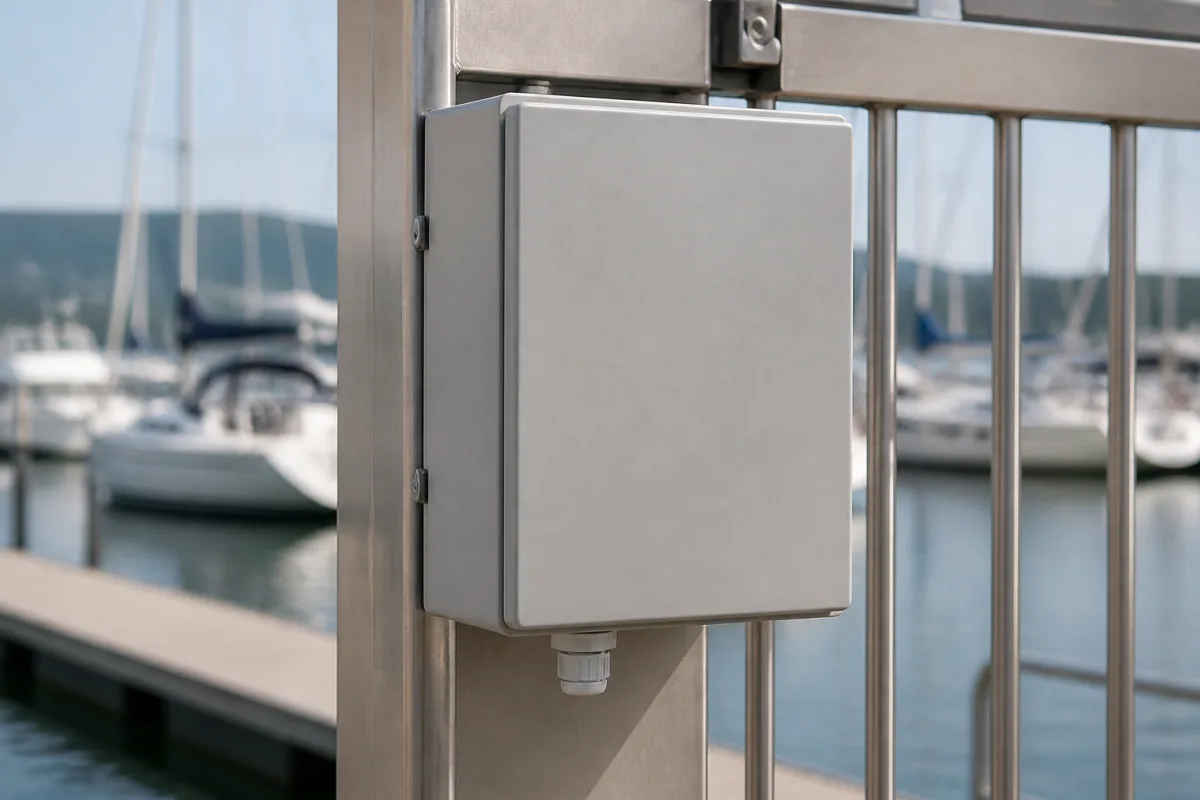
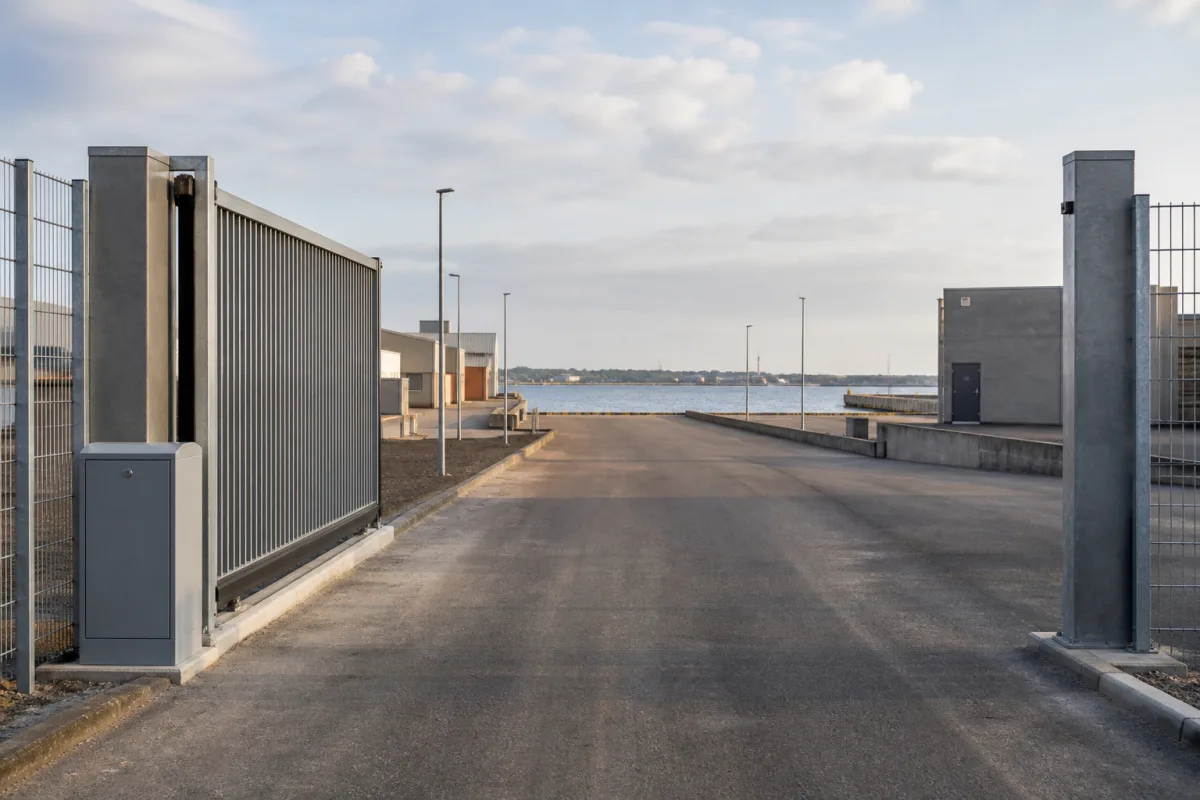
Illustrative views of the product and its waterfront setting.
Good to know
GateKeeper is Vikingegaarden's smart access control add-on for gates. It automates opening and closing, lets customers open the gate from the Emiko Customer App and logs every operation in real time in the Emiko platform, so gate access can be monitored, reported and invoiced.
Vikingegaarden checks the gate operator, power supply, local connections and communication coverage. A VikMote controller links the compatible operator to the Emiko platform, and the existing gate remains in use.
No. Customers open the gate remotely through the Emiko Customer App, so there are no keys, tags, fobs or remotes to hand out, collect or replace. Every opening is still recorded with the customer's identity and a timestamp.
Yes. Every access event is tracked in the Emiko platform, so gate usage can be invoiced accurately. Because GateKeeper shares the customer database with Marine Power Pedestals, EnergyLogger and other connected equipment, access and consumption appear on the same customer account and in the same billing run.
Yes. GateKeeper is designed to be compatible with most existing gate systems and is installed as an upgrade that automates the opening and closing function. The gate itself does not need to be replaced. Detailed compatibility per gate motor is confirmed by our team before installation.
Yes. Through Emiko you can generate detailed reports on gate usage, including timestamps, customer activity and total access counts. This makes it possible to analyse traffic patterns and take management decisions based on real data.
The log records customer-triggered control events with the customer account and timestamp. Reports show activity and access counts. These are gate operation records, rather than a count of the people or vehicles passing through.
The gate can be operated manually during an outage. Previous access records stored in the Emiko platform remain available. The site-specific manual procedure is agreed during commissioning.
Yes. GateKeeper uses the customer database in the Emiko platform, alongside connected power pedestals and meter logging. Staff can review gate activity and consumption together and use the records in agreed billing workflows.
Have a question about your project?
Talk to our teamExplore
Let’s talk about your project
Tell us about your gates, the number of customers and how you want to bill access. We help with compatibility, configuration and rollout in the Emiko platform.
Tinnetvej 70, 7173 Vonge, Denmark