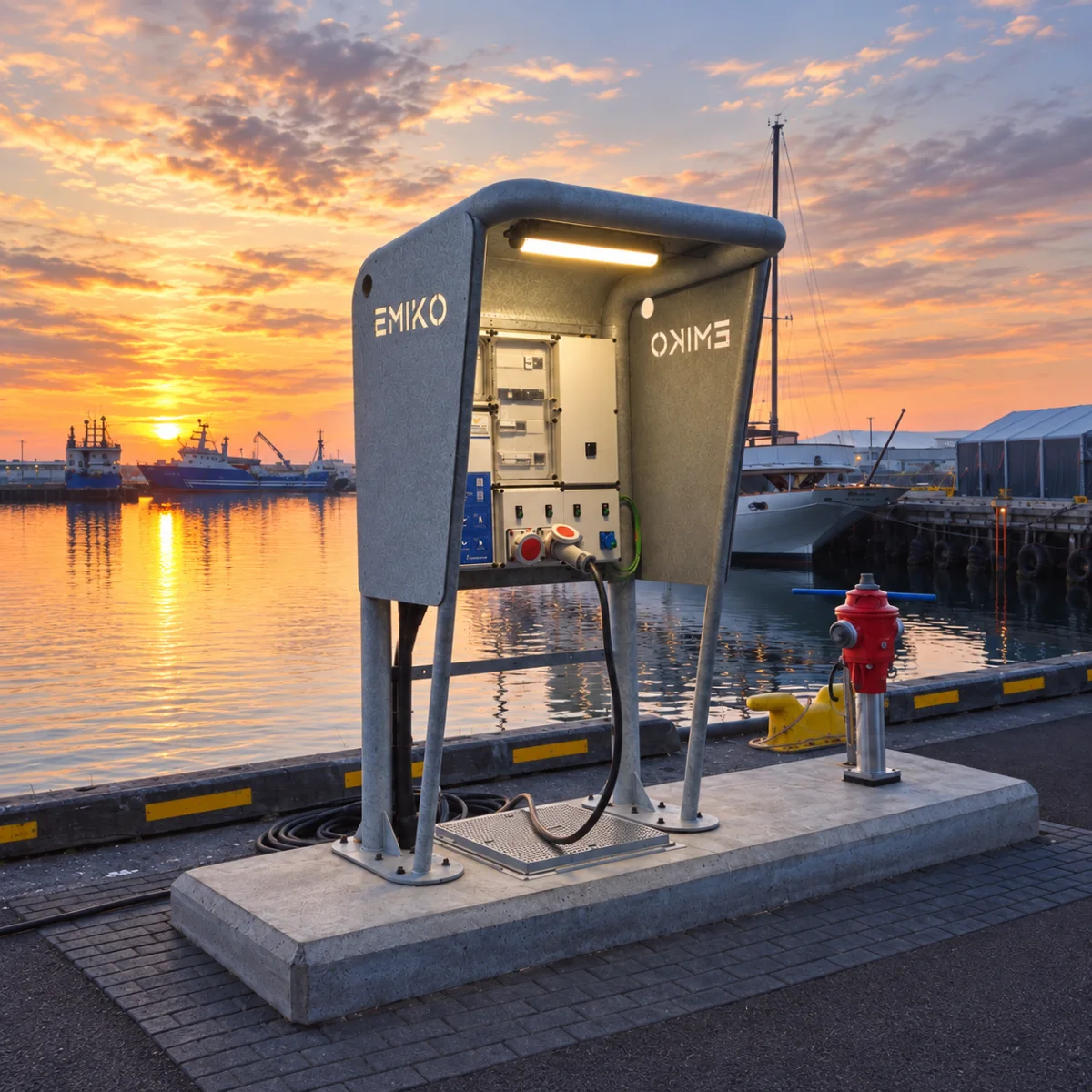
Guides
How QR Activation Works for Marina Electricity
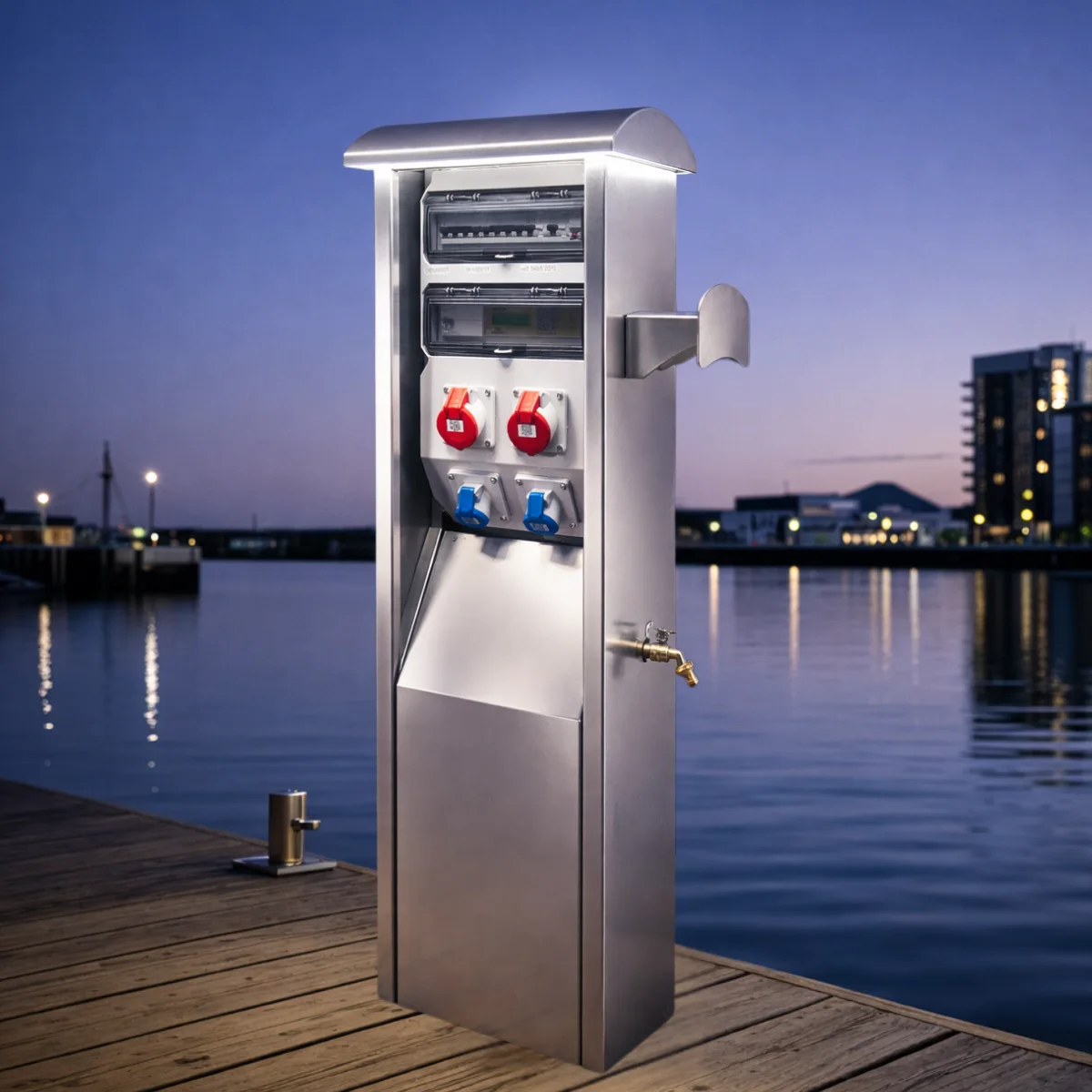
QR activation lets a marina guest identify a specific power outlet with a phone and use the configured customer flow to start a service. For the operator, the useful connection is between the outlet, the customer and the recorded consumption. The payment methods, session rules and connection requirements need to be defined for the installation.
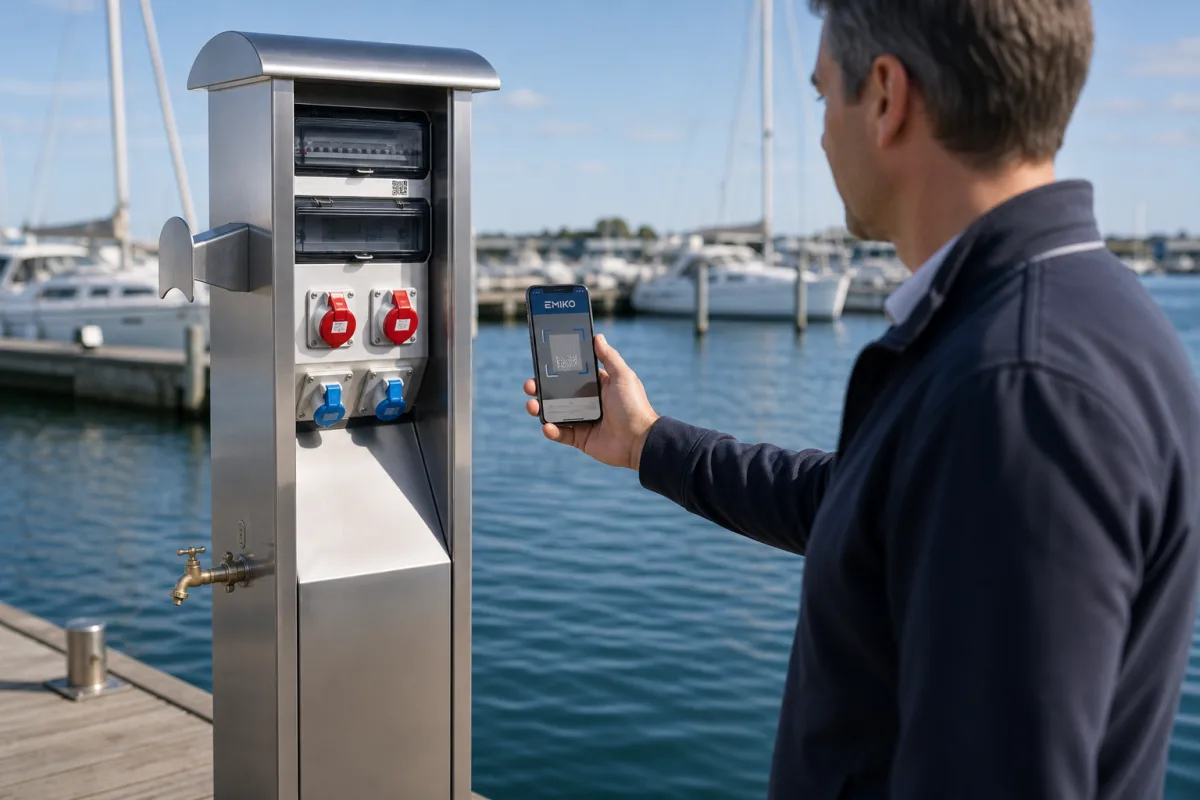
Start with the QR code on the outlet
Each outlet has its own identifier. The guest scans its QR code and follows the Emiko Customer App instructions for the selected service. Clear outlet labels matter: the code should correspond to the socket the guest intends to use.
The Marinella NEO product page explains the configured scan, activation, metering and settlement flow. Water is an option on compatible models; it should not be assumed to be available at every electricity outlet.
Explain the price and how the session ends
Guests need to understand the service tariff, the payment arrangement and the action required to finish using the outlet. Confirm the supported payment methods with the operator. Do not assume that a boat leaving the marina, or a cable being disconnected, automatically ends every type of customer session.
The selected customer flow should explain how to stop the service and where to find the consumption and settlement record. These instructions are part of the installation handover, alongside the physical outlet labels.
Connect consumption to customer records
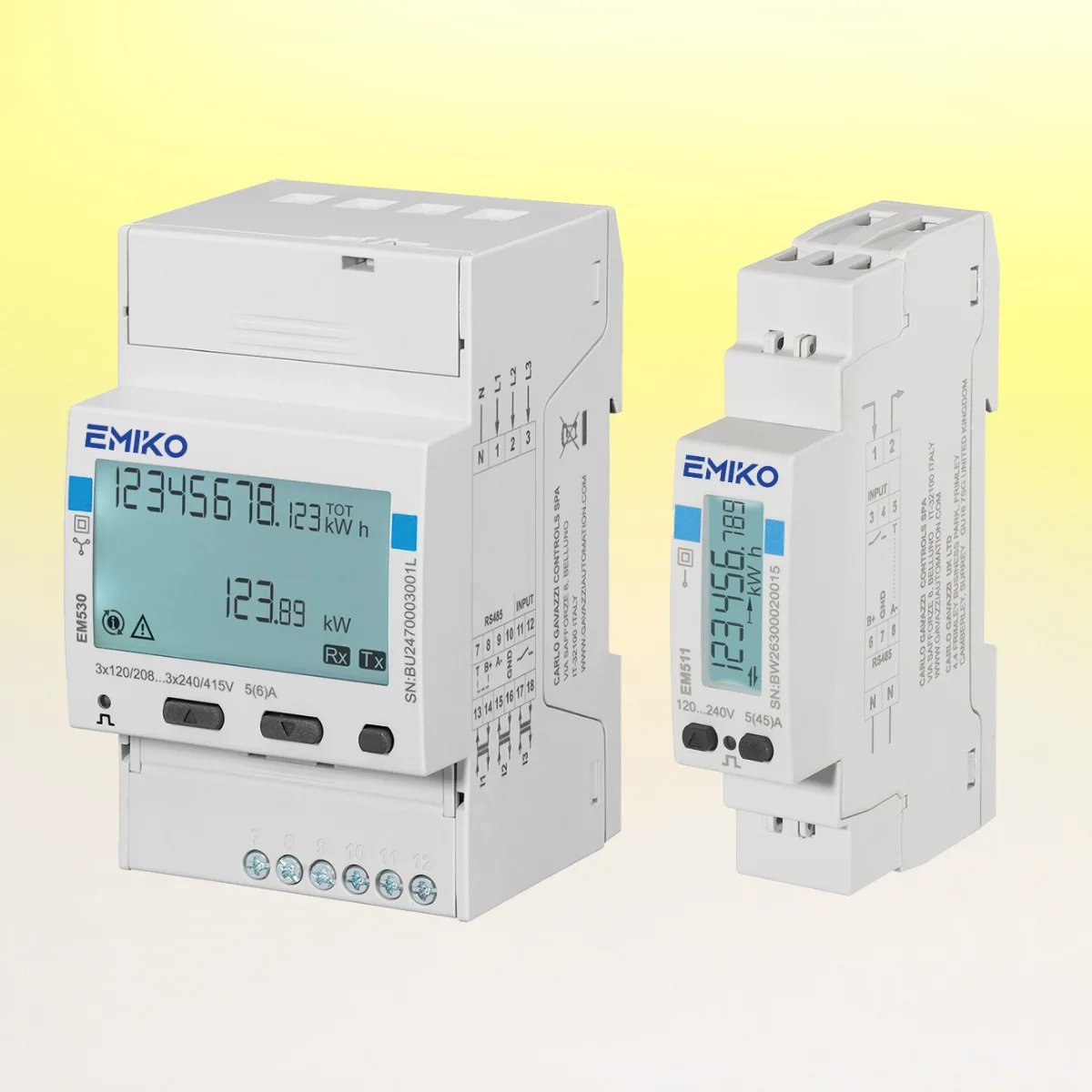
Connected metering can reduce manual collection of readings and help staff trace a charge to the relevant outlet and session. The Emiko platform supports the operation of compatible equipment and its recorded data. Meter selection, tariff configuration and customer identification still need to be correct.
A marina can compare this workflow with its existing cards, tokens or office-based process. The useful questions are how guests start a service outside office hours, how staff resolve an incorrect selection, and how a charge is explained when a customer asks.
Check what happens during a connection interruption
Compatible controllers can retain configured local operating functions and recorded data during communication interruptions. That does not mean every new app login, online payment or remote command works without connectivity. Confirm the fallback behaviour for the installed controller, firmware and service arrangement.
Prepare the guest instructions before launch
- Check that each QR label identifies the intended outlet.
- Explain the tariff, available payment methods and session-ending action.
- Show staff how to find the corresponding meter and customer record.
- Provide a contact route for an outlet or app problem.
- Confirm the installed system's response to loss of communication.
For working harbors, compare the service arrangement with Marineium MarineBox. Start a discussion with the number of service points, the customer groups and the operating workflow you want to support.